Guide
Capcut pricingCapcut pro priceCapcut pro yearlyCapcut free vs proCapCut Pricing 2026: Pro Price, Monthly & Yearly Cost
CapCut Pro's published US web price is $19.99 per month or $179.99 per year in 2026. Paying yearly works out to about $15 per month and saves $59.89 versus 12 monthly payments. CapCut warns that the final price can vary by country, platform, tax, promotion and account, so use the logged-in checkout for the amount you will actually pay.
By the FluxNote Editorial Team · Last updated: August 26, 2026
From inspiration to your own creation
Put your next idea into action.
Videos, images and ads. One creative studio. Pick what you want to make—or try the walkthrough before you sign up.
Your ideas. Your videos. No camera required.
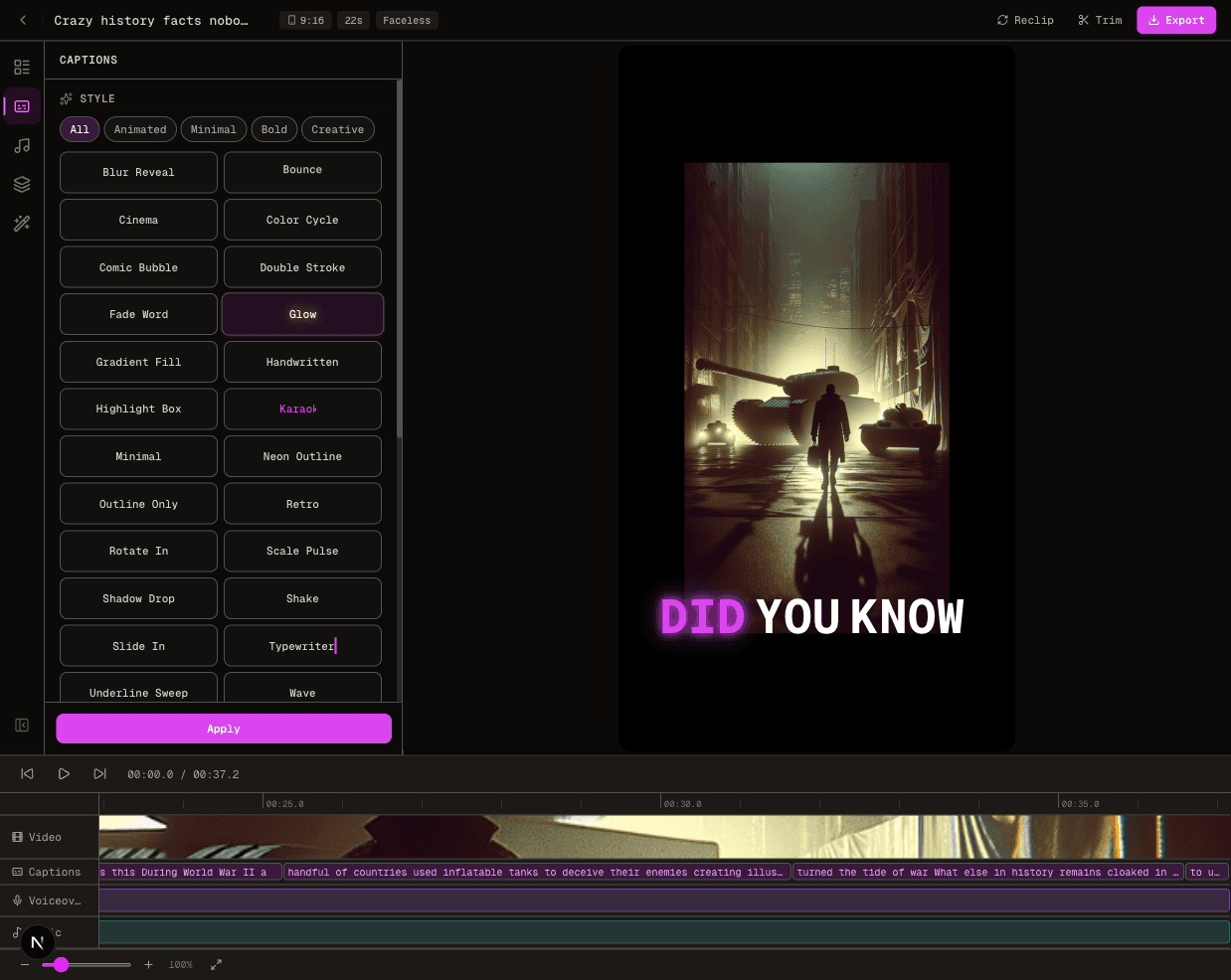
Turn your next story into a faceless video. Explore the workflow, then create your own in FluxNote.
- 01 Choose a style
- 02 Add your idea
- 03 Make it your own
Start with an account. Create at your own pace.
Loading walkthrough… Full-screen link below if needed.
Tool access and generation allowances depend on your plan.
How Much Is CapCut Pro in 2026?
CapCut's official comparison currently publishes these reference prices:
| Plan | Published price | What to know |
|---|---|---|
| Free | $0 | Core editing with limited premium assets and AI access |
| Standard | Shown in checkout | Mid-tier features; price varies by market and platform |
| Pro monthly | $19.99/month | Full premium and advanced AI tier |
| Pro yearly | $179.99/year | About $15/month when averaged over 12 months |
| Teams | Starts around $24.99/month | Collaboration and workspace features; confirm seat terms |
The $19.99 and $179.99 figures are US web reference prices, not a worldwide guarantee. App Store and Google Play billing, local taxes, currency conversion and promotions can produce a different total.
Is CapCut Pro Cheaper Yearly?
Yes, at the published US web prices. Twelve monthly payments cost $239.88, while the annual plan costs $179.99. The annual saving is $59.89, or about 25 percent.
| Billing choice | Total paid for 12 months | Effective monthly cost | Difference |
|---|---|---|---|
| Monthly | $239.88 | $19.99 | Baseline |
| Yearly | $179.99 upfront | About $15.00 | Save $59.89 |
Annual billing makes sense only if you expect to use Pro for most of the year. Monthly billing costs more over 12 months but gives you a smaller commitment if your workload is seasonal or you are still testing the advanced tools.
CapCut Free vs Standard vs Pro
| Capability | Free | Standard | Pro |
|---|---|---|---|
| Timeline editing | Core tools | Expanded editing tools | Full premium toolkit |
| Templates and effects | Limited library | More premium assets | Full premium asset access |
| AI features | Basic or quota-limited | Broader basic AI access | Advanced AI suite and higher limits |
| Cloud storage | Limited | Around 100GB in CapCut's comparison | Up to 1TB in CapCut's comparison |
| Export and premium formats | Standard workflows | Expanded paid workflow | Advanced export options including 4K/HDR where supported |
| Collaboration | Basic sharing | Individual creator focus | Cross-device and premium workflow; Teams adds workspace controls |
Feature availability can differ between desktop, web and mobile. A feature displayed in a CapCut tutorial is not proof that it is included in every plan or country. Check the crown/Pro label and any credit estimate inside the version you actually use.
What Does CapCut Pro Include?
CapCut positions Pro as the complete creator tier.
Its current comparison highlights advanced AI creation and editing tools, premium templates and stock assets, larger cloud storage and cross-platform project access.
Depending on platform and rollout, the advanced set can include tools such as camera tracking, auto reframing, background removal, vocal isolation, voice features and AI-assisted generation.
Pro does not mean every action is unlimited. Some generative tools use credits or points, and some third-party models can have their own limits.
The exact allowance is shown inside the product and can change faster than the subscription price. If one AI feature is the reason you are upgrading, open that feature first and verify its plan label and per-generation cost.
Why Does the CapCut Price Look Different on My Phone?
CapCut explicitly says prices can vary by region, device platform and promotion. The most common reasons are:
- Apple App Store or Google Play pricing differs from the web checkout.
- Local currency, VAT, GST or sales tax changes the final amount.
- A new-user promotion has expired or applies only to one account.
- An older subscription is renewing on different legacy terms.
- CapCut is testing a plan name, bundle or AI allowance in your market.
Compare the final renewal total and billing interval, not a screenshot from another country. For India, the UK, Europe or any other market, the logged-in local checkout is more reliable than a converted US dollar figure.
Is CapCut Pro Worth It?
Pro is usually worth it when
you edit frequently, need premium assets or 4K/HDR output, move projects between devices, or repeatedly use CapCut's advanced AI tools.
Standard may be enough when
you mainly want a broader editing and asset library but do not need the complete advanced AI set or the largest storage allowance.
Stay on Free when
core cutting, captions and basic templates cover your workflow, or you are still measuring whether premium tools save enough time to justify a subscription.
Use one real project as a test. Count how many paid assets, AI actions and manual workarounds the project requires. Upgrade only if the paid tier removes a repeated bottleneck.
CapCut vs FluxNote: Editing Tool or Finished-Video Workflow?
CapCut is the stronger choice when you want detailed manual editing, a large template ecosystem and hands-on control over each cut. FluxNote is designed for a different starting point: give it a topic or script and receive a structured video with voiceover, visuals, captions, music and an editable timeline.
If you enjoy assembling every scene, CapCut Pro can be excellent value.
If the bottleneck is getting from idea to first complete draft, inspect FluxNote's AI video generator, voiceover workflow and pricing.
Many teams can use FluxNote for generation and CapCut for a final specialist edit rather than treating them as mutually exclusive.
Official CapCut Sources
Pricing and plan differences were checked against CapCut's official Standard vs Pro comparison, plan comparison help page, Pro pricing help article and monthly versus yearly billing guide.
CapCut's own guidance says price and availability vary, so this page uses the published US web figures as a reference and does not invent local prices.
Create Videos With AI
From inspiration to your own creation
Put your next idea into action.
Videos, images and ads. One creative studio. Pick what you want to make—or try the walkthrough before you sign up.
Your ideas. Your videos. No camera required.
Turn your next story into a faceless video. Explore the workflow, then create your own in FluxNote.
- 01 Choose a style
- 02 Add your idea
- 03 Make it your own
Start with an account. Create at your own pace.
Loading walkthrough… Full-screen link below if needed.
Tool access and generation allowances depend on your plan.
Frequently Asked Questions
Related Resources
- GuideCapCut Free vs Pro 2026: AI Features & Credit Limits
- GuideInVideo AI Pricing 2026: Plans, Credits & True Cost
- GuideAI Video Generator Pricing Answered
- GuideDescript Pricing 2026: Hobbyist $24
- ToolText to Video AI: Turn Text Into Videos [Fast]
- GuideFree AI Voiceover for Videos No Watermark (5 Tested 2026)