47 Video Hooks for YouTube Shorts, Reels and TikTok
Find 47 video hook templates for Shorts, Reels and TikTok, with opening-shot examples, a faceless script and a practical checklist for testing your hooks.
A video hook is the opening line, visual or action that gives viewers a reason to keep watching. For YouTube Shorts, Reels and TikTok, make that opening specific to the subject and deliver on its promise in the clip itself.
Below are 47 adaptable templates, followed by worked examples. These are writing ideas, not the results of a controlled study or a guarantee of viral performance. Use personal-experience, scientific or numerical claims only when you can substantiate them.
Examples and workflow reviewed September 14, 2026.
Pick a Hook That Matches Your Video
Start with the payoff you can actually show. A hook should help the right viewer recognize a useful video—not make a promise the rest of the clip cannot keep.
| Your video | Opening line to adapt | First shot | What comes next |
|---|---|---|---|
| Product demonstration | "Here is what fits in this pocket." | Open the real pocket. | Show the items and fit. |
| Software tutorial | "Still typing this reply from scratch?" | Show a sample repeated task. | Demonstrate the shortcut. |
| Faceless explainer | "Why does this cable keep slipping?" | Show the problem close up. | Explain and demonstrate a solution. |
| Before and after | "Same desk. One change." | Show the finished setup. | Reveal the change without hiding other differences. |
| Cooking tutorial | "Watch the texture before you add more flour." | Show the actual mixture. | Explain the cue you use. |
| Comparison | "These two options solve different problems." | Label both options clearly. | Compare them on one relevant task. |
| Founder story | "This is the packaging mistake we made." | Show your actual packaging. | Explain the lesson from your experience. |
| Beginner checklist | "Before your first recording, check these three things." | Show the checklist. | Demonstrate each check. |
Already have an idea? Create your video in FluxNote. Start with your hook and a short script, then review the scenes and captions. Generation access and credits depend on your account and plan.
Looking for a Hook Video for Shorts?
Preview the Ad Studio examples below to see visual openings in action. This page combines playable examples with written templates; it is not a stock-footage download pack. You can film an original action, show the result of your tutorial first, or create an opening scene using assets you have permission to use.
Watch Hook Examples from FluxNote Ad Studio
Explore eight existing FluxNote Ad Studio previews. Pick an opening that fits your story, then connect it to a real payoff. These are generated examples, not proven viral results or product-performance evidence.
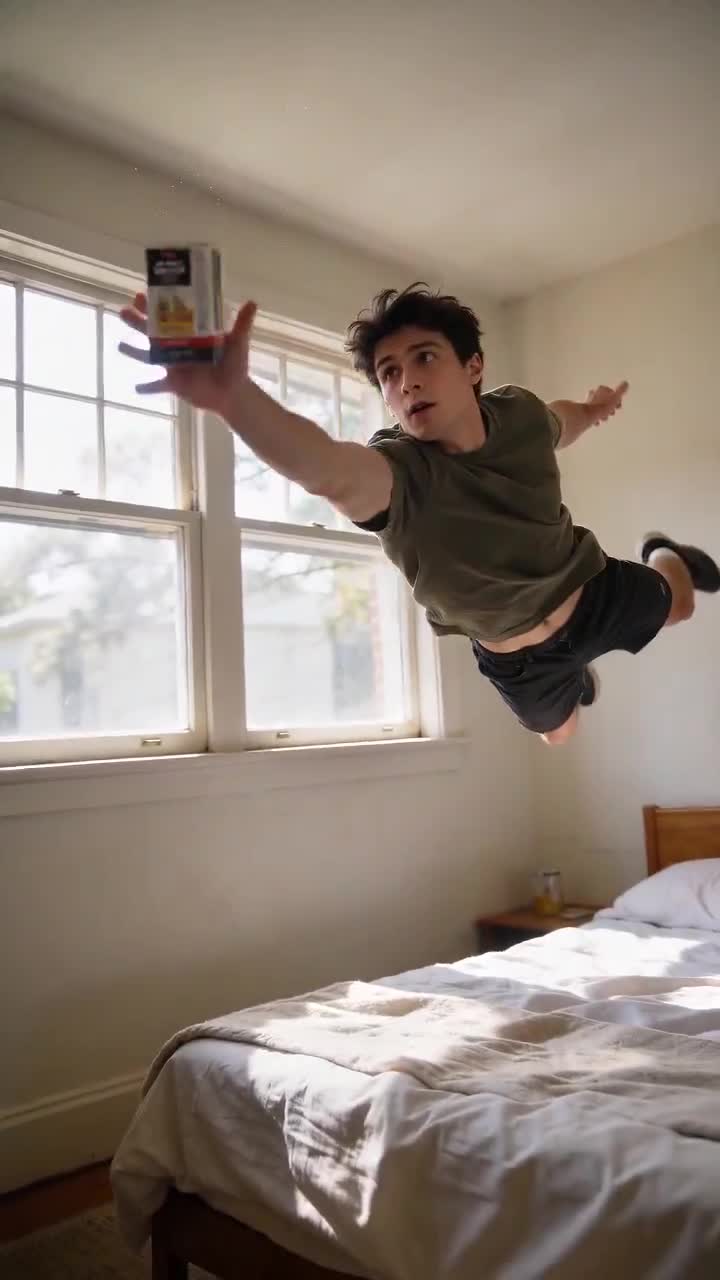
Product Drop
A falling product becomes the opening action.
Follow the catch with a clear product introduction.
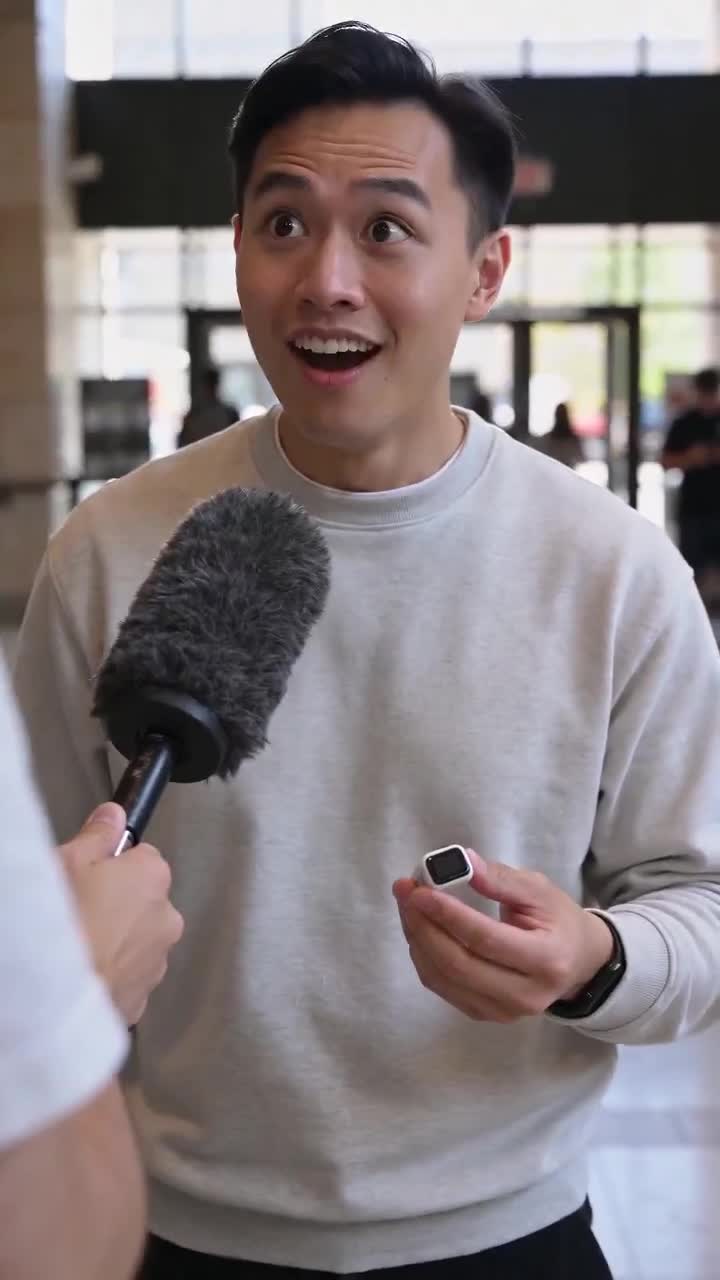
Interview
An interview-style opening starts a conversation.
Answer one specific question about your product.
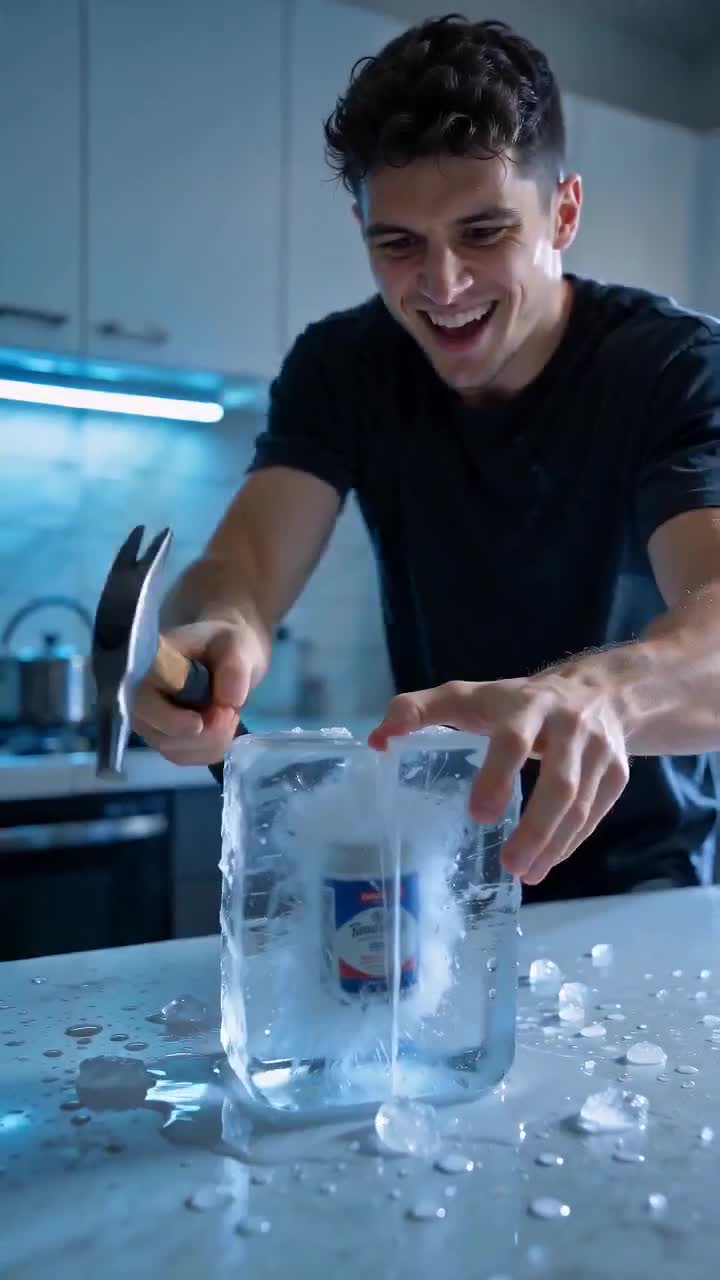
Frozen Product
An ice-block reveal creates an unusual first shot.
Treat it as a fictional scene, not proof of durability.
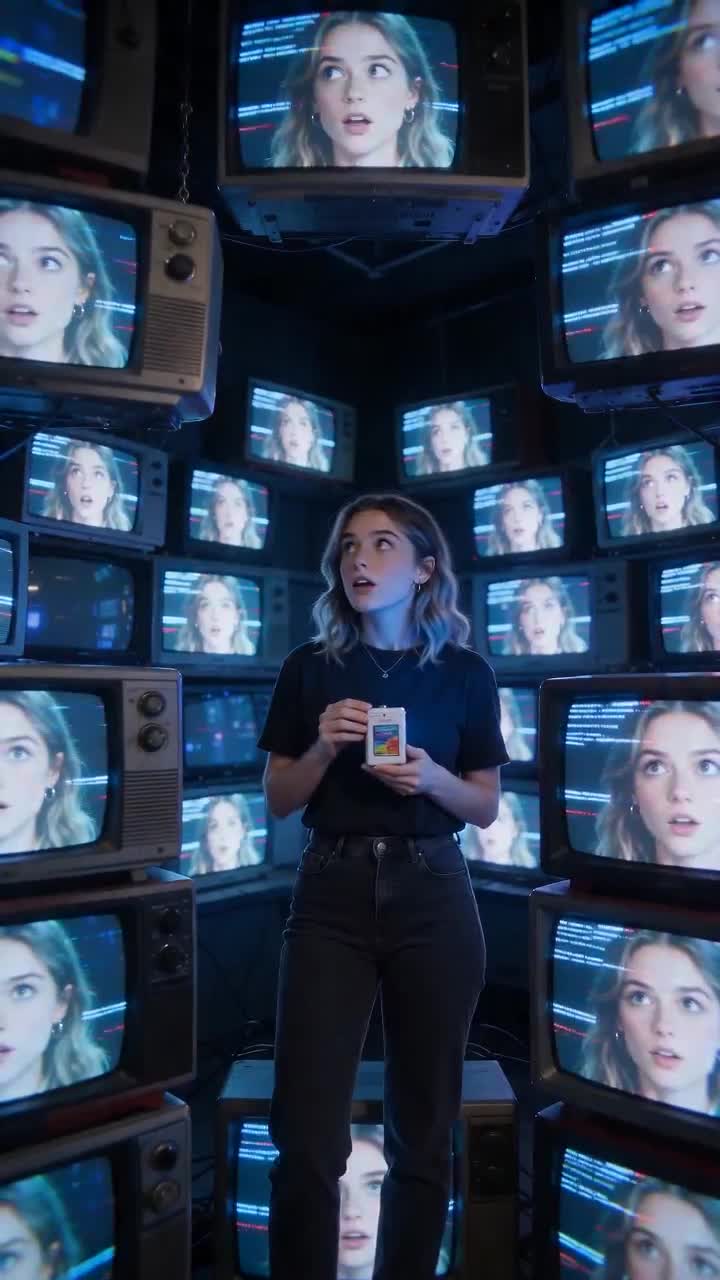
TV Glitch
A wall of screens makes a visual pattern interrupt.
Connect the reveal to the topic without a long intro.
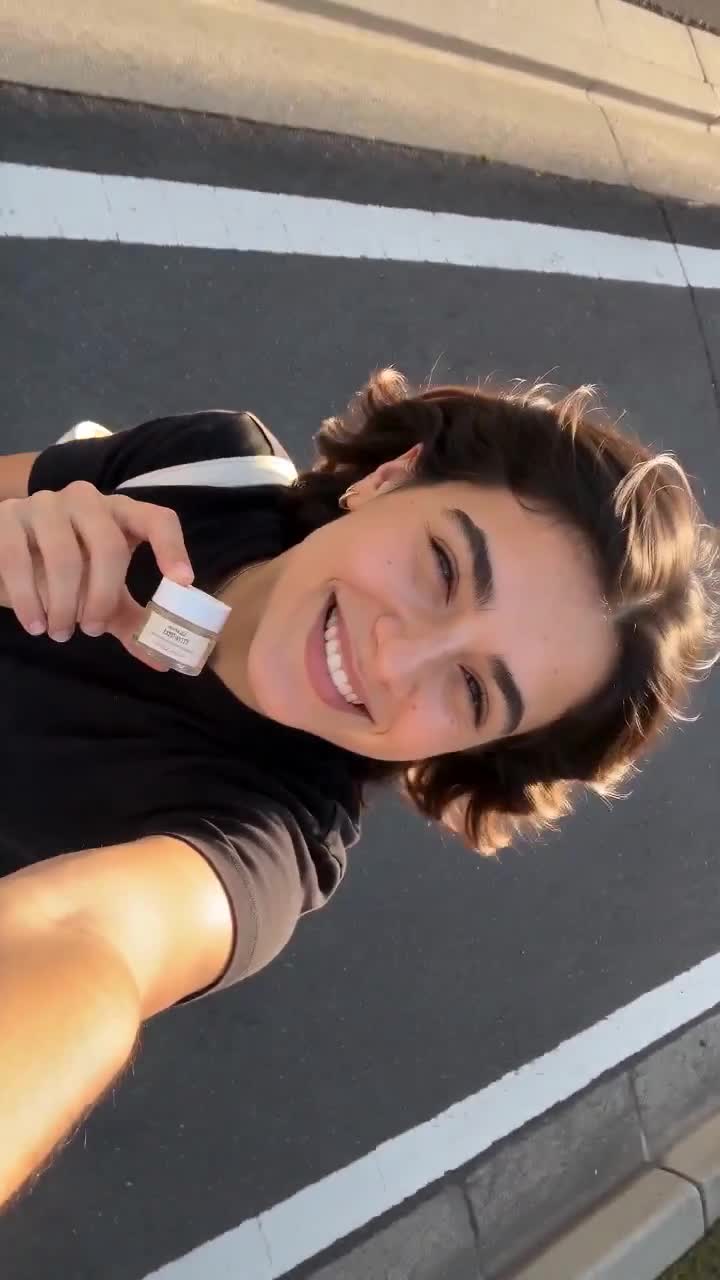
Flip the Camera
An overhead selfie angle changes the perspective.
Introduce the task while the scene settles.
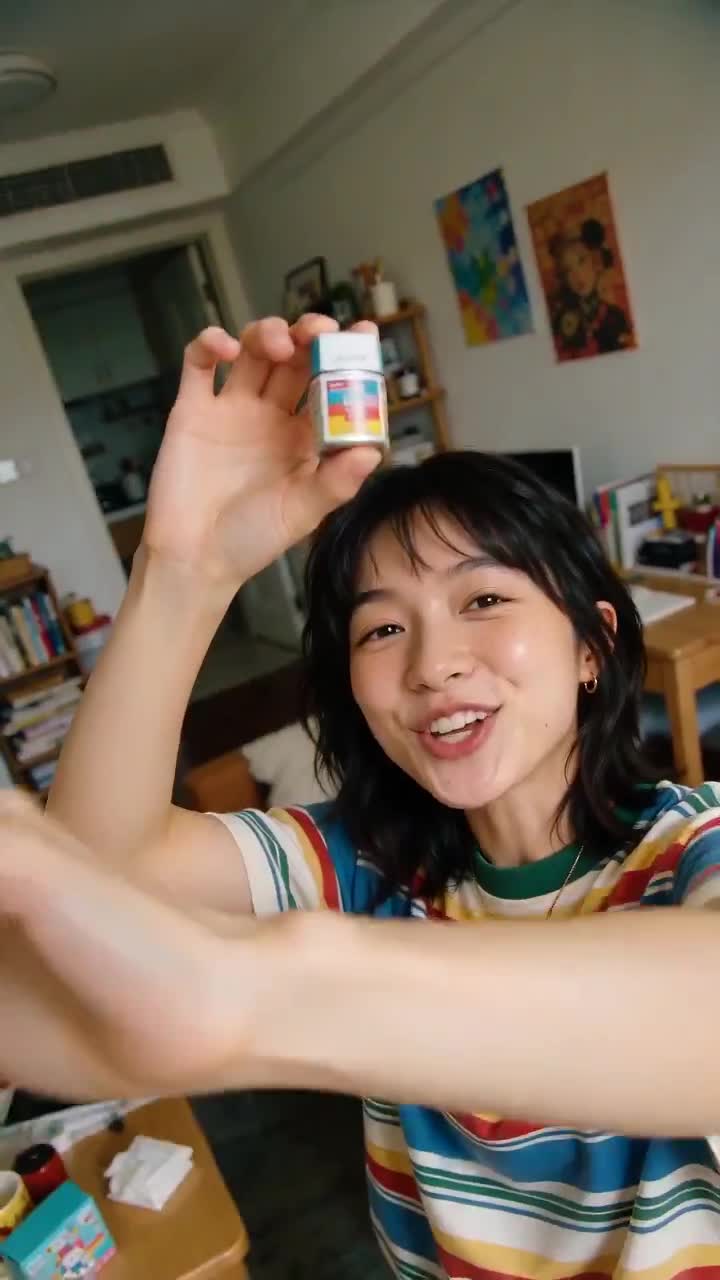
Camera Disruption
A hand moving toward the lens interrupts the frame.
Reveal the product and its relevant use next.
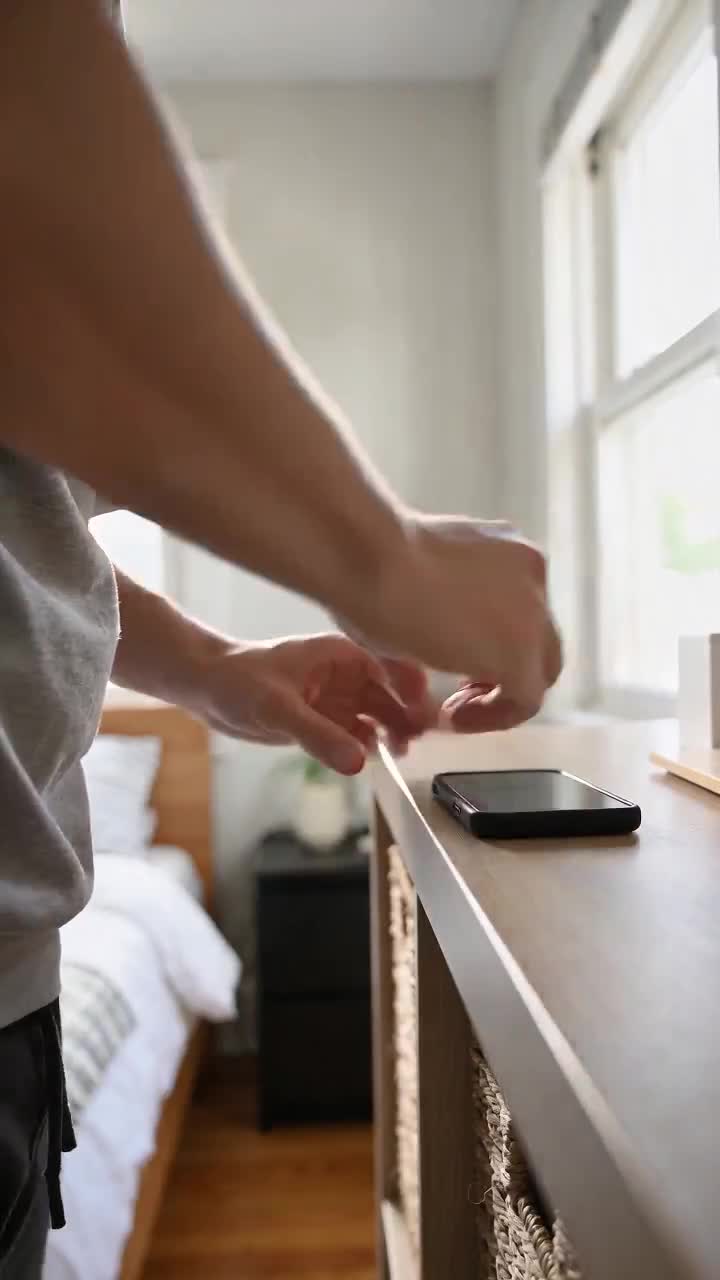
Set Up Camera
Placing the camera creates a casual opening moment.
Move straight into a useful demonstration.
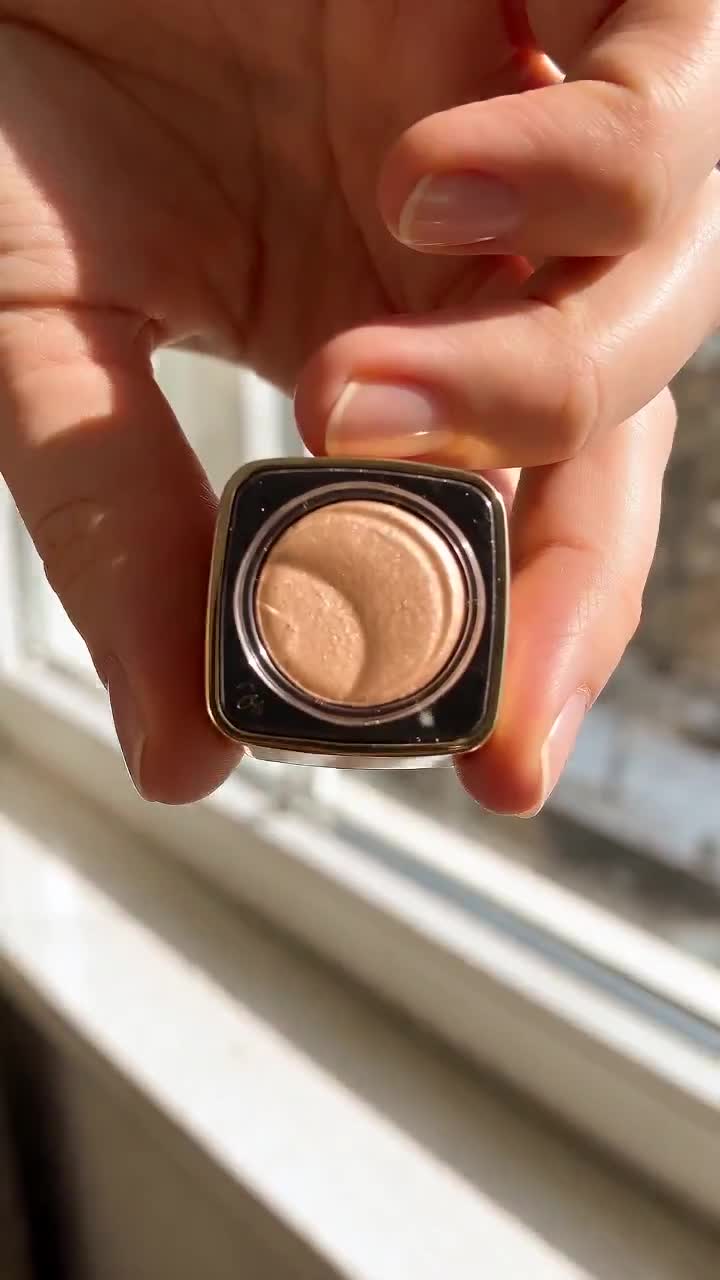
Close Up
Hands bring the product close to the lens.
Explain the detail your viewer can actually see.
After signup, open Ad Studio to explore its hook options. Account access and generation credits apply. Previews are for inspiration; no standalone download or reuse license is offered here. Audio is muted initially; use the player controls to listen.
For written hooks, start with one audience, one problem and one visible payoff. For example, a desk-organization Short could open on a tangled charging cable with "Your charger keeps falling behind the desk? Try this setup." Show the solution promptly instead of delaying it until the end.
Curiosity Hooks
These create an information gap that viewers need to close:
- "Why does [specific problem] keep happening?"
- "I missed this detail when I first tried [task]."
- "Here is what changes when you [specific action]."
- "Before you choose [option], look at [detail]."
- "What is inside [object you can actually show]?"
- "This looks like [thing], but notice [visible difference]."
- "Can [method] solve [problem]? Here is my test."
- "The important part of [process] happens here."
Authority Hooks
Position yourself as credible from the first word:
- "As a [profession] with [X] years experience..."
- "I've [impressive achievement] and here's what I learned..."
- "After studying [X] for [time], here's the truth..."
- "I spent $[amount] testing this so you don't have to..."
- "I analyzed [large number] of [things] and found..."
Challenge Hooks
Dare the viewer to keep watching:
- "I bet you didn't know this about [topic]..."
- "Most people get this wrong..."
- "Stop scrolling if you [target audience]..."
- "You're doing [common activity] wrong. Here's why."
- "If you [common trait], you need to hear this..."
Storytelling Hooks
Pull viewers into a narrative:
- "This is the story of how I [unexpected outcome]..."
- "Last week something happened that changed everything..."
- "I never thought I'd say this, but..."
- "Three months ago I was [bad situation]. Now..."
- "Let me tell you about the worst mistake I ever made..."
Listicle Hooks
Promise organized, digestible value:
- "5 things I wish I knew before [common milestone]..."
- "3 signs that [relatable situation]..."
- "The top [X] [things] that [outcome], ranked..."
- "Here are [X] [things] that will [desirable outcome]..."
Controversial Hooks
Spark debate and comments (use responsibly):
- "[Popular thing] is actually terrible. Here's why."
- "Unpopular opinion: [controversial take]..."
- "I'm going to get hate for this, but..."
- "Everyone loves [thing] but nobody talks about [downside]..."
Visual Pattern Interrupts
Not just words — actions that stop the scroll:
- Start with a dramatic zoom or camera movement
- Flash text on screen before speaking
- Begin mid-action (already doing something interesting)
- Use unexpected visuals that contrast with the topic
Emotional Hooks
Trigger an immediate emotional response:
- "This broke my heart when I found out..."
- "The most inspiring thing I've ever seen..."
- "Warning: this will make you rethink everything..."
- "I still can't believe this is real..."
How-To Hooks
Promise practical, immediate value:
- "Here's how to [desirable outcome] in [short time]..."
- "The easiest way to [solve common problem]..."
- "Do this every morning and watch what happens..."
- "One simple trick to [impressive result]..."
Trend-Jacking Hooks
Ride the wave of what's already working:
- "The [trending topic] nobody is talking about..."
- "I tried the [viral trend] and here's what happened..."
- "Why everyone is suddenly [trending behavior]..."
- "[Current event] is about to change [relevant topic] forever..."
How to Use These Templates
Avoid copying a template's implied credentials. "I tested" requires a real test; "scientists discovered" requires a reliable source; a before-and-after claim needs truthful evidence. Rewrite the opener if you cannot support it.
- Pick 3-5 hooks that match your niche
- Customize them with your specific topic and angle
- Test variations — the same content with different hooks can have wildly different results
- Track performance — save your top-performing hooks and reuse the patterns
- Combine formats carefully — a question plus a demonstration can give the viewer both a reason to watch and evidence to assess
Worked Hook Examples for YouTube Shorts and Reels
These illustrative shot plans turn an opening line into a video. They are not measured campaign results or downloadable clips.
| Topic | Spoken hook | Opening visual | Payoff to deliver |
|---|---|---|---|
| Product demonstration | "This pocket is where my charger used to disappear." | Open the actual bag and show the pocket. | Demonstrate the organizer with real dimensions. |
| Salon education | "What should you bring to your first hair consultation?" | Stylist holds a reference photo with permission. | Explain three useful things to prepare. |
| Software tutorial | "Still copying the same reply into every email?" | Show a sample inbox with no customer data. | Demonstrate the saved-reply setup. |
| Cooking | "Hear the difference when the pan is ready." | Close shot of the ingredient reaching the pan. | Explain the cooking cue accurately. |
| Founder story | "This packaging mistake made our first shipment harder." | Show your actual packaging comparison. | Explain a mistake you genuinely made and its fix. |
Match the opening to the rest of the video. A product reveal needs a real reveal; an educational question needs an answer. Keep on-screen text readable and review the opening both with and without sound.
Turn a Hook into a Publishable Video
Example: a faceless desk-organization video
You do not need a presenter on camera to make the opening specific. Use an original demonstration or clearly labeled illustrative visuals. The timing below is a shot-planning example, not a performance benchmark.
| Beat | Voiceover | Visual |
|---|---|---|
| Opening | "Your charging cable keeps falling behind the desk?" | Show the loose cable slipping. |
| Demonstration | "Try a cable clip near the edge you can reach." | Show a real clip and where it attaches. |
| Detail | "Check that it fits your cable and surface." | Close-up of the fit, without an unsupported product claim. |
| Payoff | "Now the end stays within reach." | Demonstrate the finished arrangement. |
A starting script brief: "Create a short desk-organization explainer. Open on a charging cable slipping behind a desk. Show a cable clip and explain checking the fit. End on the cable within reach. Keep the language practical; do not invent product specifications or test results."
Use your own footage for product-performance evidence. An AI-generated scene can illustrate an idea, but it cannot prove a real product works.
Build and review your version
- Write the hook, the evidence or demonstration, and one next step for the viewer.
- Plan the first visual before generating or filming the rest. Avoid a generic introduction that postpones the promised topic.
- Create your scenes and review the script, visuals and audio for accuracy. Explore FluxNote's image and video creation workflows if you are starting from an idea; account and generation limits depend on the current plan.
- Draft upload options with the free YouTube title generator. A title labels the video; it does not replace the spoken or visual hook.
- For TikTok post copy, try the free TikTok caption generator. This produces descriptions, not timed subtitles.
For a starting prompt, use: "A short video for new shop owners showing how to photograph one product beside a window. Open with the finished photo, then show the setup. Use only benefits visible in the demonstration." Review generated material yourself; AI output does not guarantee retention or sales.
Turn your hook into a video in FluxNote. Bring one idea and one payoff; review the generated output before you publish it.
Check Your Opening Before Publishing
- Can someone identify the subject from the first shot?
- Does the opening line name a specific problem or outcome?
- Is the on-screen text readable on a phone without covering the subject?
- Does the video deliver the promised example, answer or demonstration?
- Are experience, numbers and before-and-after claims supportable?
- Does it still make sense with sound off and captions visible?
- Is the next step relevant to the viewer who watched this particular video?
Build a Visual Hook Around the Product, Not Just the Surprise
A dramatic opening can be entertaining without making the product easier to understand. Before choosing a stunt, write the sentence that comes immediately afterward. If that sentence has no connection to the opening, try a different scene. The goal is a natural transition from attention to an explanation, not two unrelated clips joined together.
Product Drop: connect the action to a useful detail
For a bag demonstration, the first line might be: "Here is what I keep within reach." Follow it with a close view of the pocket and the actual objects it holds. The useful information is the arrangement, not the fact that an object moved through the frame. If your opening is generated, switch to genuine footage for any claims about fit, strength or performance.
For a fictional product concept, make the context clear. You can explore how a scene feels without presenting it as a customer experience. Keep the same product identity, color and setting across the opening and the next shot so viewers do not have to work out whether the video has changed subjects.
Close Up: let the viewer inspect one thing
A quieter opening can work when the subject already contains something worth seeing. Instead of "You need this amazing product," try "Look at how this compartment opens." That gives the viewer a specific detail to inspect. The next shot should complete the demonstration rather than introduce an unrelated benefit.
For a software video, use the same idea with a screen recording: start on the exact control or result you plan to explain. Use a sample project rather than exposing customer information. A readable cursor movement and one clear sentence may communicate the task better than an elaborate intro sequence.
Adapt Your Hook to the Audience
The same format can serve very different viewers. A beginner needs help recognizing the problem; an experienced viewer may want a comparison or an exception. Rewrite the hook around that difference before changing the effects or music.
| Audience | Generic opening | More specific alternative | Required payoff |
|---|---|---|---|
| First-time shop owner | "Grow your business!" | "Photograph this product with one window and a sheet of paper." | Show the lighting setup and the actual photo. |
| New video creator | "Make better videos." | "Your caption covers the product. Move it here." | Demonstrate a readable placement. |
| Busy freelancer | "Save hours every day." | "Here is the reply I stopped typing from scratch." | Show the reusable reply without an invented time-saving claim. |
| Returning customer | "Our new release is here." | "Here is what changed in the part you use most." | Show the real change and who it helps. |
| Comparison shopper | "This is the best option." | "Choose this for a new video; choose that for editing existing footage." | Explain a verified difference, including limitations. |
These are writing examples, not results from customer campaigns. Replace the sample task with something you can demonstrate. Do not turn a general benefit into a precise numerical promise unless you have evidence for it.
Plan Three Openings for One Video
You can explore alternatives without writing three completely different videos. Keep the middle and ending focused on the same task, then draft these opening approaches:
- Question first: name the problem the viewer recognizes. For a caption tutorial: "Are your captions covering the important part?"
- Result first: show the finished version. For the same tutorial: "Here is the same clip with the captions moved."
- Demonstration first: begin the action immediately. Move the caption on screen while saying: "Keep this area clear."
Review each opening with its following sentence. Remove repetition between the spoken line and on-screen title if it makes the scene feel crowded. Make sure a viewer can understand the topic even if they join without sound. A compelling first frame cannot rescue a confusing explanation afterward.
In FluxNote, use your chosen line as the beginning of your script and select a creation workflow appropriate to the project. For an ad concept, explore the existing Ad Studio hooks. Review generated scenes rather than assuming that the selected opening will match every product or instruction. Create your own video when your brief is ready; check account access and generation credits first.
Keep a Simple Hook Testing Worksheet
Record the version before you publish so you can interpret the outcome later. Do not change your definition of success after seeing which video received more views.
| Field | Example entry |
|---|---|
| Viewer and task | New creator adjusting captions |
| Opening version | Question-first |
| Exact first line | "Are your captions covering the important part?" |
| First visual | Sample clip with an obstructed subject |
| Promised payoff | Show a clearer caption placement |
| Next action | Try the demonstrated task |
| Observed outcome | Fill in available analytics after publishing |
| Other changes | Note differences in length, topic, timing or distribution |
Use the worksheet to find repeated patterns, not to declare a winner from one post. If a hook attracts attention but nobody wants the next step, check whether it appealed to the audience you intended. If viewers leave after the opener, inspect whether the following scene fulfills the promise quickly and clearly.
How to Test Hooks Without Chasing a Viral Guarantee
Keep the core topic and payoff consistent while changing one opening element, such as a question versus a demonstration. Track the available retention and engagement metrics in the platform's analytics, alongside useful actions such as profile visits, enquiries or signups. Do not decide from views alone.
Organic posts are not a controlled experiment: distribution, audience and timing differ. Look for patterns across several comparable videos rather than declaring a winner from one upload. A hook that attracts the wrong audience can increase views without helping your business.
The Formula
The best hooks follow this pattern:
[Attention grab] + [Promise/curiosity gap] + [Relevance to viewer]
Example: "Your cable fell again?" (specific problem) + "Here is the setup" (promise) + a visible desk demonstration (relevance and payoff).
Use the formula as a drafting aid, then check whether the video delivers a useful, truthful payoff. Clear content and a relevant next step matter beyond the opening line.
Frequently Asked Questions
Can I download the Ad Studio preview clips from this article?
The gallery offers playback for inspiration, not a standalone download license. To make your own creative, open Ad Studio after signing in and review the available options. Do not assume that seeing a sample grants permission to redistribute it or use the depicted likeness in an endorsement.
What is a hook video for Shorts?
It can mean the opening segment of a Short or an opening clip someone wants to reuse. This page provides Ad Studio video previews, writing templates and shot plans, not a downloadable clip pack. Create your own opening or use properly licensed footage that matches the rest of your video.
What is a good hook for a faceless video?
Use a visible problem, a clearly framed question or a result you can demonstrate. Pair it with narration or captions that explain what viewers are seeing. A fictional scene should not be presented as proof of a real event.
Can I use the same hook on TikTok, Reels and YouTube Shorts?
You can adapt the same idea, but review each edit on a phone. Keep captions clear of interface overlays and make sure the opening fits the audience and the rest of the clip. Do not assume identical results across platforms.
How many hooks should I test?
Start with two or three meaningful alternatives for the same topic: a question, a demonstration and a result-first opening. Keep a record of what changed. Organic uploads reach different audiences, so one higher-view post is not proof that its hook caused the improvement.
Can an AI-written hook make a video viral?
No hook guarantees distribution, retention or sales. AI can help draft alternatives, but you still need a useful topic, an honest payoff and a relevant next step. Judge qualified actions as well as views.
How do I use these hooks in FluxNote?
Choose a template, replace its placeholders with your actual topic and write the rest of the script. Sign up for FluxNote, select an appropriate creation workflow and review the output. Check your account's generation requirements before starting.