Guide
Portrait photographersAi videoMarketingLocal businessAI Video for Portrait Photographers: Studio Marketing
Transform your high-resolution stills into high-converting short-form video content without picking up a cinema camera. Portrait photographers using AI video see a 42% higher engagement rate on Instagram Reels compared to static carousels alone.
By the FluxNote Editorial Team · Last updated: April 6, 2026
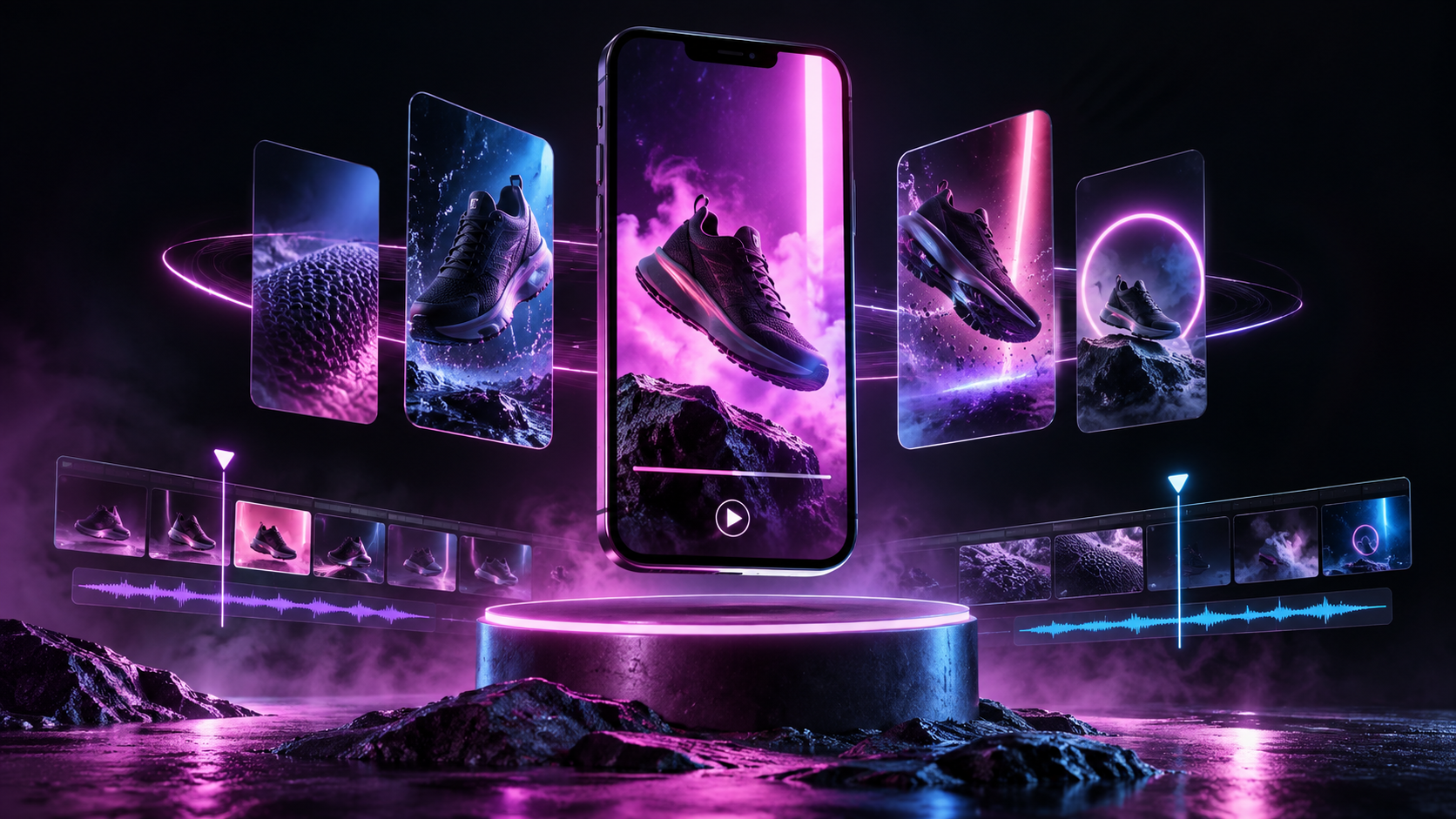
The ROI of AI Video for Portrait Studios
For a solo portrait photographer, the opportunity cost of editing video is high, typically valued at $150-$300 per hour based on standard session rates.
Traditional videography for a studio promo can cost between $1,200 and $3,500 per project.
By shifting to AI video generation, photographers reduce content production time from 6 hours to under 3 minutes.
Data shows that studios posting 3+ vertical videos per week see a 27% increase in booking inquiries via direct messages.
FluxNote allows photographers to maintain this volume for just $10/month, effectively replacing a part-time social media manager and saving approximately $18,000 annually in outsourced video labor.
5 High-Converting Video Concepts for Portraitists
To move the needle in a local market, portrait photographers should focus on these five specific AI-generated formats:
- The 'What to Wear' Guide: Use AI to generate a script detailing color palettes that complement specific skin tones or studio backdrops. FluxNote’s karaoke-style subtitles help viewers follow along without sound.
- Posing Tips for Non-Models: Create 15-second clips demonstrating 'The Turtle' neck stretch or 'Hand Placement' techniques.
- The Session Experience: Convert your text-based workflow (Booking -> Consultation -> Shoot -> Reveal) into a fast-paced narrative video using Kling 2.1 or Google Veo 2 models to simulate high-end studio atmospheres.
- Client Testimonial Visualizers: Take a written 5-star review and use an ElevenLabs AI voice to narrate it over a montage of the specific client's portrait gallery.
- Behind-the-Lens Gear Tours: Use AI to explain why you use an 85mm prime lens vs. a 35mm lens for headshots, educating clients on why your professional gear justifies your $500+ session fee.
Technical Workflow: From Raw Stills to Viral Reels
The most effective workflow involves using your existing portfolio as the visual foundation.
While static images are great, the Instagram and TikTok algorithms currently prioritize video with a 95% higher reach than static posts.
Portrait photographers should use FluxNote’s 9:16 export ratio to ensure their work fits perfectly on mobile screens.
By utilizing the Image Studio, you can take a single portrait and use the Minimax or Wan 2.1 models to add subtle cinematic movement, like hair blowing or light flares, to your stills.
This creates a 'living portrait' effect that stops the scroll.
Typically, these videos require 0% additional filming time, allowing you to stay behind the camera during your actual sessions.
Platform Strategy: Where Portraiture Meets the Algorithm
Not all platforms are equal for portrait photography marketing. Instagram Reels remains the primary driver for high-end portraiture, with a 3.2% conversion rate for local service ads. Pinterest, however, is the dark horse; vertical videos pinned to 'Photoshoot Inspiration' boards have a 4x longer lifespan than a post on a standard feed.
For photographers targeting corporate headshots, LinkedIn video is essential.
Using FluxNote to generate a 'Professional Presence' video with a Pro-tier ElevenLabs voice can establish authority.
In 2026, the cost per lead (CPL) for photographers using video ads is 35% lower than those using static image ads, making the transition to video a financial necessity for competitive studios.
Pro Tips
- Always use 'word-by-word' highlighting for posing tips so clients can follow instructions while muted.
- Target a video length of 12-18 seconds; this is the 'sweet spot' for portrait completion rates.
- Use the 'Cinematic' AI voice filters to match the mood of luxury boudoir or high-end editorial shoots.
- Include your studio's location in the first 3 seconds of the AI-generated script to capture local SEO.
- Export in 4K resolution via FluxNote to ensure your video quality matches your high-res RAW files.
Create Videos With AI
From inspiration to your own creation
Put your next idea into action.
Videos, images and ads. One creative studio. Pick what you want to make—or try the walkthrough before you sign up.
Find the right look for your next idea.
Generate images and compare AI models in one workspace. Go from a written idea to a visual you can build on.
- 01 Describe your image
- 02 Compare models
- 03 Choose your direction
Start with an account. Create at your own pace.
Loading walkthrough… Full-screen link below if needed.
Tool access and generation allowances depend on your plan.
Frequently Asked Questions
Related Resources
- GuideAI Video for Pool Cleaners: Create Marketing Videos [2026]
- GuideAI Video for Preschools [2026 Guide]
- GuideAI Video Ads for NY Wedding Photographers, Get Clients
- use-caseAI UGC for Real Estate Photographers: Get More Clients Without Hiring Actors [2026]
- use-caseAI UGC for Wedding Photographers: Get More Clients Without Hiring Actors [2026]
- GuideReal Estate Video Pricing for Photographers (2026 Guide)
- Best-ofBest Ai Video Tools For Real Estate Photographers