Guide
Faceless Youtube ChannelMotivational VideosYoutube Shorts IdeasAI Video CreationHow to Make Motivational Videos Without Showing Your Face
Motivational content is one of YouTube's most profitable faceless channel niches. With AI voiceover and stock footage, creators can produce daily motivational Shorts that build massive audiences. This guide shows you how to enter this proven niche.
By the FluxNote Editorial Team · Last updated: April 25, 2026
Step-by-Step Guide
Choose your motivational angle
Pick between stoic wisdom, success stories, daily habits, or audience-specific motivation (students, entrepreneurs).
Create a content production system
Use FluxNote or similar AI tools to batch-produce Shorts. Aim for 3-5 Shorts per day for maximum growth.
Post consistently, multiple times daily
Motivation channels grow fastest with 2-5 Shorts posted daily. Consistency is more important than perfection.
Test hooks and formats
Try different opening hooks: questions, bold statements, surprising facts. Track which formats get the most views.
Monetize through ads and products
YouTube ads (₹40-120/1K views), selling motivational courses and ebooks, affiliate links for self-improvement products, and merchandise.
1. Find Your Script & Core Message
The first step to make motivational videos for YouTube without showing your face is securing a powerful script. You don't need a complex narrative; for a 60-second YouTube Short, a script of 150-200 words is ideal.
One effective method is to source text from public domain speeches. Websites like Archive.org host speeches from historical figures that are free from copyright restrictions (generally works published before 1928 are safe).
Alternatively, you can write your own short, impactful monologue. Focus on a single, clear theme like discipline, overcoming adversity, or consistency.
A critical detail is to start with a strong hook in the first 5 seconds to stop viewers from scrolling. For instance, instead of 'Today we'll talk about success,' start with 'You are failing because you fear being bored.' This direct approach improves audience retention, a key ranking signal for the YouTube Shorts algorithm as of Q2 2026.
2. Source High-Quality B-Roll Footage
Your visuals must compensate for the lack of a human presenter.
The goal is to create a compelling visual story that matches the tone of your audio.
For creators on a budget, sites like Pexels and Pixabay offer thousands of free-to-use 4K video clips.
A non-obvious tip for better results is to search for abstract concepts instead of literal terms.
Searching for 'resilience' or 'solitude' will yield more evocative clips than 'man thinking.' For creators with a budget of around $20-$30/month, a subscription to a service like Artgrid or Envato Elements provides access to a much larger library of cinematic footage, helping your videos look more professional.
When selecting clips, ensure they are all shot in a 9:16 vertical aspect ratio to fill the entire screen on mobile devices.
A common mistake is using horizontal (16:9) clips, which results in unsightly black bars and lower engagement on Shorts and TikTok.
3. Generate a Realistic AI Voiceover
A clear, authoritative voiceover is essential for faceless motivational videos. Modern AI text-to-speech (TTS) tools can produce narration that is nearly indistinguishable from human speech.
Leading platforms in 2026 include ElevenLabs and Play.ht. For example, the 'Starter' plan on ElevenLabs costs $5 per month and provides 30,000 characters of audio generation, which is enough for approximately 30-40 one-minute videos.
When generating your audio, select a voice with a deep, steady tone, often labeled as 'narrator' or 'storyteller' presets. A key technical detail is to export the audio file in a high-quality format, such as a 320kbps MP3 or a WAV file.
This prevents the audio from sounding compressed or tinny, which can make a video feel low-quality. The audio file is the backbone of your video, so investing in a quality TTS tool offers a significant return on production value.
4. Assemble and Edit Your Video
This is where you combine your script, B-roll, and voiceover. You can use a traditional video editor like CapCut (which is free) or DaVinci Resolve, but AI-powered editors can accelerate this process.
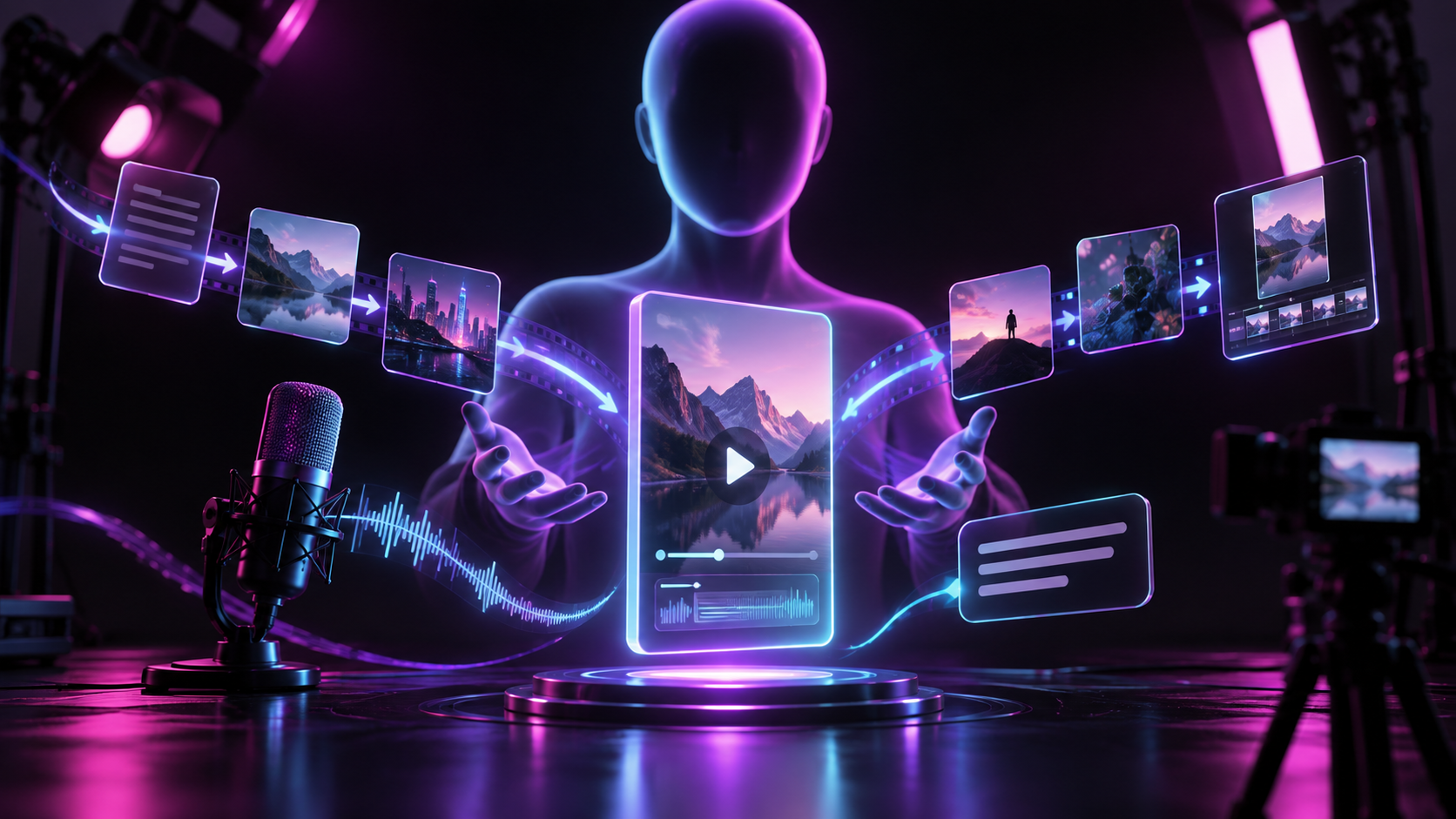
The workflow involves importing your AI-generated voiceover onto the timeline first. Then, you lay your B-roll clips over the audio track, cutting between different scenes every 2-4 seconds to maintain visual interest.
The most important element to add is animated captions. Viewers often watch videos on mute, so clear, easy-to-read text is critical.
Some tools can automate this. For instance, a platform like FluxNote can take your script and automatically generate captions, sync them to your voiceover, and suggest relevant stock footage clips from its library, reducing manual editing time from over an hour to less than 15 minutes.
This automation allows you to produce content at a much higher frequency.
5. Optimize for Shorts & TikTok Algorithms
The final step is optimizing for discovery. For YouTube Shorts and TikTok, the first 3 seconds determine if the algorithm will push your video.
Ensure your opening visual and first line of text are highly engaging. Use a bold, readable font for your captions; the 'The Bold Font' or 'Montserrat ExtraBold' are popular choices in 2026.
Keep your final video length between 45 and 59 seconds. This length is long enough to tell a mini-story but short enough to encourage high audience retention rates, which YouTube's algorithm heavily favors.
A key nuance is music choice. While trending sounds can boost initial visibility, YouTube's Shorts revenue sharing model (updated in 2025) gives a larger portion of ad revenue to creators who use original audio or royalty-free music from the YouTube Audio Library.
Using a popular song might get more views but can reduce your per-view earnings by up to 50%.
Pro Tips
- The first 2 seconds determine if viewers watch, use a bold, attention-grabbing hook
- Use cinematic stock footage (nature, cities, sports) to match the emotional tone
- Bold, animated subtitles are essential for motivation Shorts, viewers watch without sound
- Post at morning hours (6-8 AM IST) when people seek motivation to start their day
- Test posting 5+ Shorts per day, motivation channels scale with volume
Create Videos With AI
From inspiration to your own creation
Put your next idea into action.
Videos, images and ads. One creative studio. Pick what you want to make—or try the walkthrough before you sign up.
Your ideas. Your videos. No camera required.
Turn your next story into a faceless video. Explore the workflow, then create your own in FluxNote.
- 01 Choose a style
- 02 Add your idea
- 03 Make it your own
Start with an account. Create at your own pace.
Loading walkthrough… Full-screen link below if needed.
Tool access and generation allowances depend on your plan.
Frequently Asked Questions
Related Resources
- GuideHow to Make Lyric Videos for YouTube Shorts (Fast in 2026)
- GuideHow to Make Programming YouTube Shorts (2026 Guide)
- ToolText to Video AI: Turn Text Into Videos [Fast]
- ToolAI Faceless Video Generator Guide | FluxNote
- GuideHow to Make UGC Videos Without Showing Your Face
- GuideHow to Make Motivational Reels Without Showing Your Face
- use-caseAI Video for Motivational Quote Video Channel