Guide
AI VideoRestaurant MarketingMenu DesignFood Promo VideoRestaurant Menu Video Maker AI: Create Yours in 5 Minutes
Restaurants thrive on visual content, but hiring a food videographer for every campaign is expensive and slow. FluxNote's Business Reel feature turns a simple text description of your restaurant into a 30-second animated marketing video with premium effects, branded colors, and a clear call to action. Perfect for promoting grand openings, seasonal menus, or your restaurant's unique story.
By the FluxNote Editorial Team
How AI Turns Menu Text into a Visual Feast
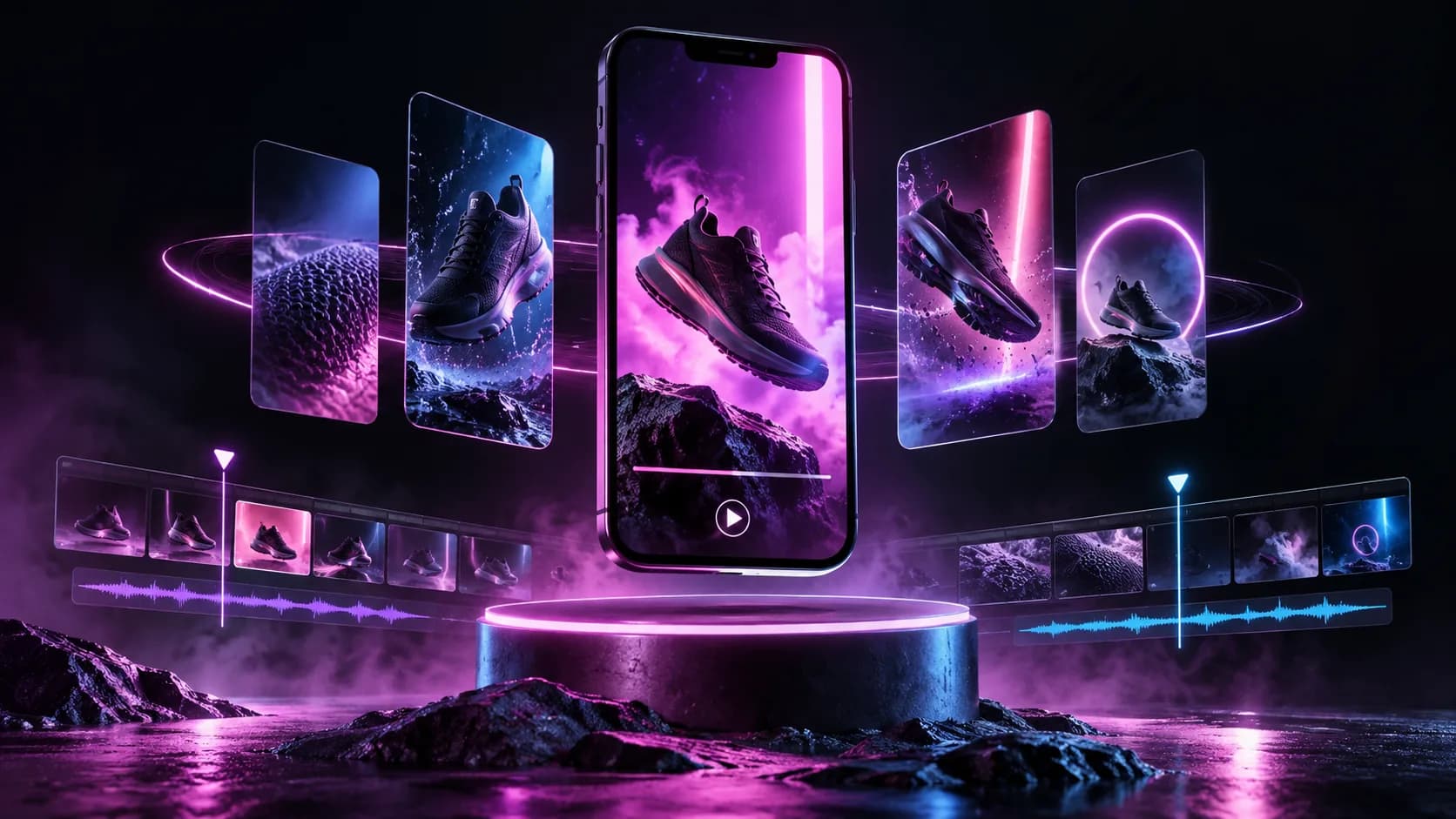
A restaurant menu video maker AI transforms your static list of dishes into dynamic short-form videos for social media.
The process starts when you input your menu text, such as 'Crispy Calamari with a zesty marinara dip - $14.' The AI then uses one of two methods.
The first is text-to-video, where it sources licensed stock footage of similar dishes and assembles a sequence.
The second, more effective method is image-to-video.
You upload a high-quality photo of your calamari, and the AI animates it with subtle motion, like steam effects or a slow zoom, using models similar to Google's Veo 3.
This approach ensures the final video shows your actual food, not a generic substitute.
The AI also generates a script and a voiceover, turning a simple menu item into a 15-second promotional clip ready for Instagram Reels or TikTok in under three minutes.
Essential Features for High-Impact Menu Videos
When selecting a tool, focus on three critical features. First, look for Brand Kit integration.
This allows you to upload your restaurant's logo, specific fonts, and color hex codes (e.g., #A82D2D for a brick oven pizzeria) to maintain brand consistency across all videos. Second, prioritize high-quality AI Voiceover options.
A generic, robotic voice can make your food seem unappealing. Tools that integrate with specialized voice AI like ElevenLabs v2 allow you to choose from dozens of natural-sounding voices or even clone your own for a personal touch.
Third, confirm the tool exports in a 9:16 aspect ratio. This vertical format is non-negotiable for full-screen visibility on Instagram Reels, YouTube Shorts, and TikTok.
A tool that only produces 16:9 widescreen videos is not suitable for this purpose, as it will appear with black bars on mobile devices, reducing impact by over 50%.
2026 Comparison: Top 3 AI Tools for Menu Videos
Choosing the right tool depends on your budget and technical needs. Here is a breakdown of three popular options as of Q1 2026:
| Tool | Price (Entry Tier) | Key Feature | Notable Limitation |
|---|---|---|---|
| OpusClip | Rise $8/mo annual · Pro $17/mo annual | Repurposes long videos into short clips | Less effective without existing long-form content |
| InVideo | $20/month | 5000+ templates for specific promotions | AI generation can be slow, sometimes over 5 minutes |
| Pika Labs | Free Tier Available | Image-to-video animation with motion controls | Free plan clips are limited to 3 seconds |
For a restaurant just starting, Pika Labs' free plan is a good entry point for animating existing dish photos.
InVideo is better for businesses that want a structured, template-driven approach for weekly specials.
OpusClip suits restaurants that might have a longer YouTube video (like a chef interview) and want to extract 10-15 social media clips from it automatically.
Walkthrough: Create a Menu Video in Under 5 Minutes
You can generate a professional-looking menu video with AI in just a few steps. First, choose a single menu item to highlight, for instance, your 'Weekend Brunch Special.' Write a simple one-sentence prompt, such as: 'A vibrant video showcasing our avocado toast with poached eggs, using upbeat music.' Next, upload 2-3 high-resolution photos of the dish from different angles.
The AI will use these as the primary visuals. Then, select an AI voice and paste in a short description for the voiceover.
Finally, generate the video. The AI will animate your photos, add the voiceover, select appropriate background music, and burn in animated captions.
Tools like FluxNote are designed for this specific workflow, often rendering a 30-second video in about 90 seconds. Review the output, and if needed, you can regenerate it with a different voice or music track until it's perfect for posting.
3 Common Mistakes That Make AI Menu Videos Ineffective
Creating an AI video is simple, but several mistakes can ruin its effectiveness. The most common error is using low-quality source images.
An AI can add motion to a photo, but it cannot fix a blurry, poorly lit picture of your food. Always use clear, bright photos taken in natural light.
The second mistake is relying on generic AI-generated music. If the music doesn't match your restaurant's vibe (e.g., using corporate electronic music for a cozy cafe), it creates a disconnect.
Most tools offer libraries with thousands of tracks; spend two extra minutes finding one that fits. The third, and most critical, mistake is forgetting captions.
According to a 2024 Meta report, over 85% of users watch social videos with the sound off. If your video relies only on a voiceover to describe the dish, most of your audience will miss the message entirely.
Always use a tool that automatically generates and styles captions.
Create Videos With AI
From inspiration to your own creation
Put your next idea into action.
Videos, images and ads. One creative studio. Pick what you want to make—or try the walkthrough before you sign up.
Your ideas. Your videos. No camera required.
Turn your next story into a faceless video. Explore the workflow, then create your own in FluxNote.
- 01 Choose a style
- 02 Add your idea
- 03 Make it your own
Start with an account. Create at your own pace.
Loading walkthrough… Full-screen link below if needed.
Tool access and generation allowances depend on your plan.
Frequently Asked Questions
Related Resources
- ToolAI Faceless Video Generator | Create with FluxNote
- ToolText to Video AI: Turn Text Into Videos [Fast]
- use-caseAI Video for Agencies: Scale Client Content [$10]
- GuideAI Video Ads for NY Restaurants: Boost Diners
- GuideBest风俗 AI Image Generator for Restaurant Menu Images
- GuideAI Video Ads: Launch New Restaurant Service Fast [Guide]
- GuideAI Video Ads for Restaurants: Promote Sales