Crayo.ai Alternative: Start Creating With FluxNote
Try a Crayo alternative without assuming unlimited free generation. Start an original faceless project in FluxNote, then check the controls and allowance you actually need.

On this page 6 sections
Try a Crayo alternative without assuming unlimited free generation. Start an original faceless project in FluxNote, then check the controls and allowance you actually need.
Why consider FluxNote for this workflow?
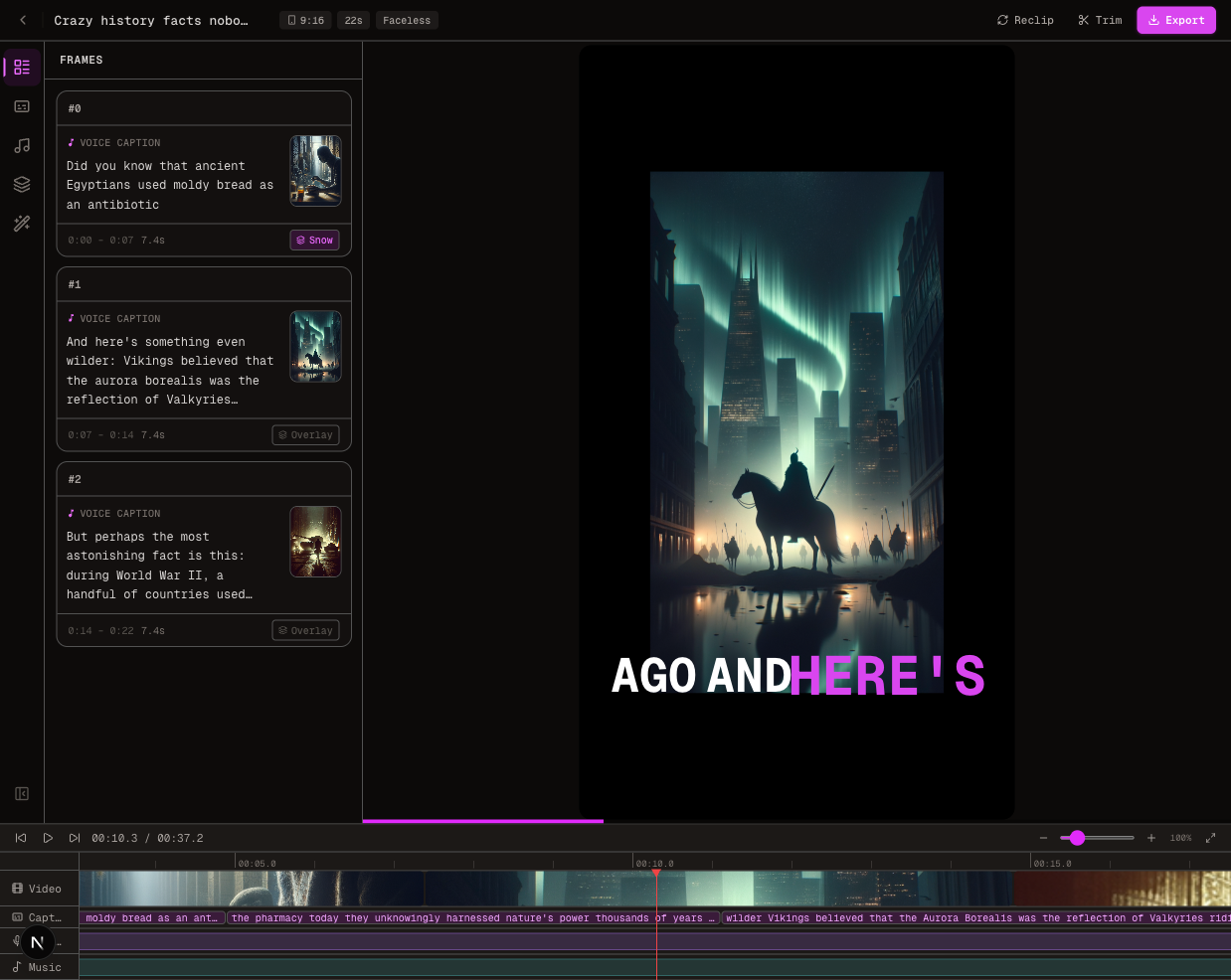
FluxNote brings image generation, AI video, faceless creation, voice and editing into one creative workspace. Start with your own topic, script or product brief, choose the relevant studio, then review the draft before publishing. Short-form and long-form workflows are available; confirm the duration and controls of the selected format.
Try your idea in FluxNote. Check your account allowance before generating.
FluxNote and Crayo: compare the work you need done
| Your requirement | FluxNote | What to check in Crayo |
|---|---|---|
| One creative workspace | Images, video, faceless projects and editing | Whether its listed tools cover your whole project |
| Narration and captions | Review voice and captions in your chosen workflow | Available voice and subtitle controls |
| Original creative | Start from your own topic, script or brief | Input options for the workflow you intend to use |
| Short or long videos | Select a suitable format and confirm duration | Export-minute allowance and duration limits |
| Budget | Check current model access and generation allowance | Check workflow credits separately from export minutes |
Crayo currently lists clipping, subtitles, voiceovers, image tools and a web editor on its official website. It is inaccurate to describe it as having no editor or no voice tools. This is a first-party FluxNote comparison, not an independent hands-on benchmark.
A houseplant explainer: an example brief to try
Explain three common watering mistakes. Use a separate scene for each, avoid universal care instructions and finish with a reminder to check the plant species.
This is an original suggested brief, not a measured test result. Use the same requirements when evaluating tools. Note which scenes need replacement, which words need correcting and whether captions remain readable on a phone.
In FluxNote, choose the relevant studio, supply the brief, inspect the available settings and generate within your allowance. Review the complete draft before export. Keep the script and assets you own so your creative work does not depend on a single app.
Plan access and costs before switching
Crayo’s official pricing page separates workflow credits, export minutes and other allowances. Its annual view lists Hobby at $160/year, Clipper at $327/year and Pro at $664/year. These are annual commitments, not monthly charges. Confirm checkout terms before subscribing. For FluxNote, use current plans and the allowance shown in your account. Credits across the two products are not equivalent units of finished video.
Create your next project in FluxNote
- Create a FluxNote account.
- Choose Faceless, Image, Video or AD Studio for the project you want to make.
- Add your original topic, script or creative brief.
- Review scenes, narration, captions and factual claims.
- Check rights, available export options and the final result before publishing.
Keep your existing workflow until the new one meets your requirements. Automatic import of Crayo project files is not promised. Generation time and results vary; no software guarantees views, revenue or monetization approval.
Common questions
Why consider FluxNote instead of Crayo?
Consider FluxNote when you want image, video, faceless creation and editing together. Test your own project and choose based on the work remaining, not an unsupported claim of universal superiority.
Can I try FluxNote before choosing a paid plan?
Start by creating an account and checking the current allowance. Free access does not imply unlimited generation, every model or every export option.