Crayo AI Review: Features and When to Choose FluxNote
Compare Crayo AI with FluxNote for business content. Explore images, videos, faceless stories and ads through concrete creative workflows.

For a business, choosing between FluxNote and Crayo is partly a governance decision. The useful output is an approved, accurate asset that the team can maintain—not simply a fast draft or a striking thumbnail.
Start with the approval path
Identify who supplies the brief, who verifies product claims and who authorizes publication. A small business may assign all three roles to one person, but the checks are still different. Keep a record of required wording, prohibited claims and approved assets. Decide which changes require another review. Without an approval path, increasing production speed can increase the number of incorrect claims reaching customers. Evaluate tools inside this process rather than assuming a generated draft is ready for the company’s public channels.
Build a product brief that is verifiable
Use an ordinary product demonstration: the problem, the relevant feature and an invitation to learn more. Attach the supporting specifications and distinguish demonstrated benefits from suggested creative angles. Do not generate a customer testimonial or a product result that the business cannot substantiate. If an image changes the appearance of the item, assess whether that change could mislead a buyer. Have the responsible person review the entire asset, including captions and background details, instead of approving only the script.
Compare correction and handoff requirements
Ask how a colleague will reproduce the approved version and identify the latest draft. Keep version names and source notes outside informal chat threads. Verify collaboration or export requirements directly; this article does not assert specific enterprise permissions, compliance certifications or service-level guarantees for either tool. An editable creative process is valuable only if the people responsible for approval can inspect the relevant changes. Test a correction after initial review, because late revisions are common in real business work.
Budget for approved assets rather than generated files
A batch of drafts is not a batch of usable advertisements. Separate concepts, reviewed versions and approved deliverables in your tracking sheet. Include the staff time spent checking accuracy and rights. Compare current FluxNote plans with the other provider’s terms using the same project requirement. A larger nominal allowance does not prove lower cost per accepted asset. Similarly, an unused feature should not justify a subscription merely because it appears in a comparison table. Record the assumptions behind your purchasing recommendation.
When FluxNote belongs on the shortlist
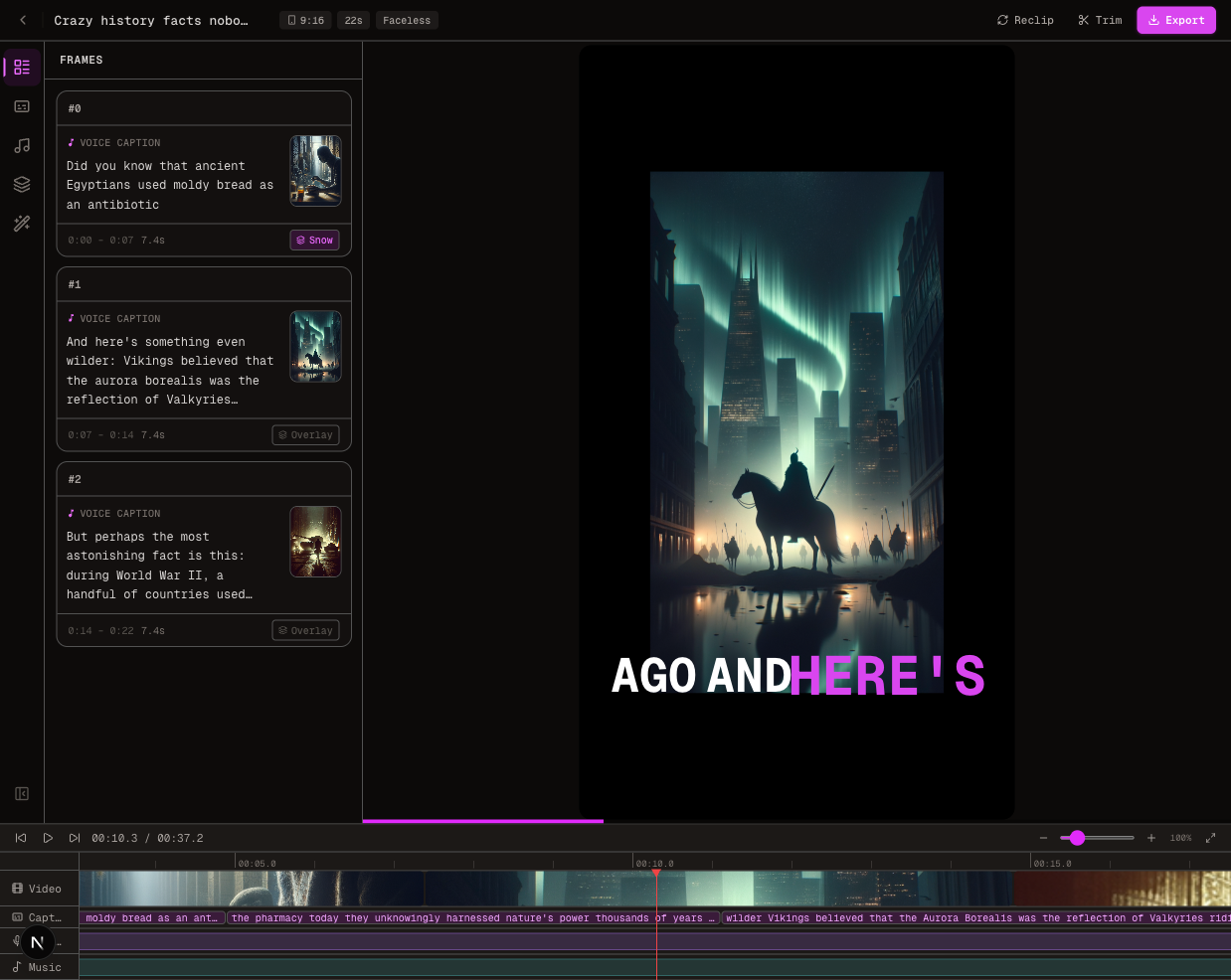
FluxNote is worth a trial when the business develops product visuals, video ideas, faceless explanations and ads within a creative workspace. Create a business evaluation project using assets you have permission to use. Choose a low-risk campaign and retain the approval notes. This is a first-party recommendation to evaluate fit, not a claim that another vendor is unsuitable for all businesses. Select the process that repeatedly produces accurate work your team can review and maintain.
Questions about this workflow
Can AI-generated testimonials be treated as customer evidence?
No. A fabricated customer endorsement should not be presented as a real experience. Use substantiated claims and approved materials.
Does this comparison verify enterprise compliance?
No. Ask each provider directly about contractual, security and permission requirements that affect your organization.