Seedream 4.5
Latest painterly model
The newest painterly model, improved coherence, richer textures.
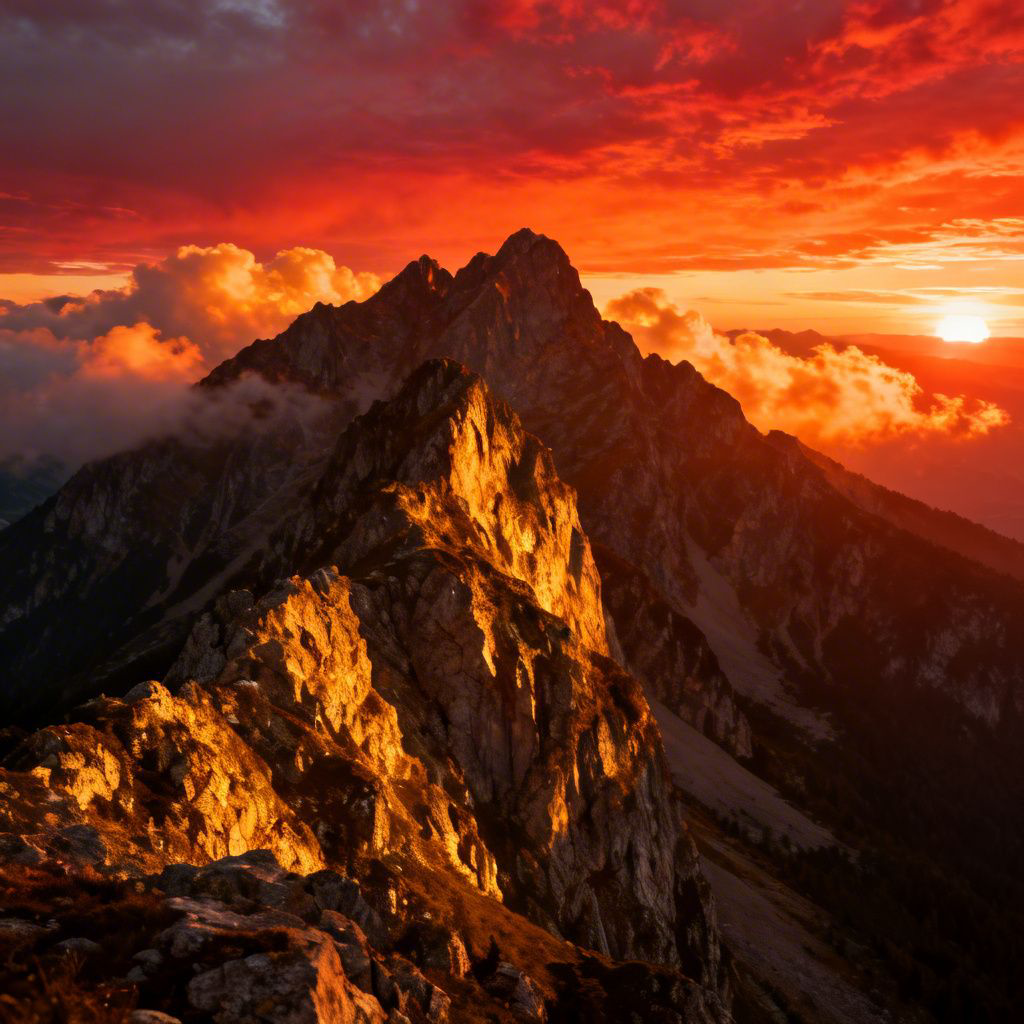
Cost per image
5 credits
Free renders
~20 on free plan
Watermark
None, even free
Animate to video
1-click, 5-10s
What is Seedream 4.5?
The newest painterly model, improved coherence, richer textures.
Seedream 4.5 is a stylized AI image model built for creative output that doesn't try to imitate photography. It excels at painterly compositions, illustrative character work, concept art, and mood-driven imagery that looks hand-crafted rather than algorithmically assembled. The model was trained on a deliberately non-photographic corpus, which means it handles artistic direction cues ("oil on canvas", "studio Ghibli background", "risograph print") with far more fidelity than general-purpose photoreal models. If you're producing content where stylistic authenticity matters, book covers, album artwork, branded illustration, animated social posts, Seedream 4.5 is built for that creative space.
Seedream 4.5 generates at up to Up to 2048×2048 across All standard ratios, with a generation time of 12-22 seconds. Unlike photoreal models where prompt specificity drives realism, stylized models like Seedream 4.5 respond best to art-direction language: medium ("oil paint", "watercolor", "digital illustration"), mood ("melancholic dusk", "vibrant summer"), and composition cues ("rule of thirds", "Dutch angle", "overhead view"). The model is particularly strong when the prompt names a recognizable visual style, it was trained to execute style directives rather than guess them from subject matter alone.
On FluxNote, Seedream 4.5 costs 5 credits per image. The free plan includes 100 credits per month, enough for 20 Seedream 4.5 renders with no credit card and no watermark. Paid Stripe plans start at $20 month to month, with lower monthly equivalents on quarterly and annual billing, and scale to 15,000 credits without changing how the model or the interface works. Seedream 4.5 sits alongside 18 other image models in the same dashboard; switching to a different model for a different job is a single click, no separate subscription required.
Every Seedream 4.5 output has a one-click animate button. FluxNote sends the still to one of its AI video models, Sora 2 Pro, Veo 3, Kling 3.0, Runway Gen-4, or Seedance 2.0, and returns a 5-10 second clip. This image-to-video workflow is particularly useful for ad creatives (static images animate well for story and feed placements), social content (a single Seedream 4.5 image can become a TikTok, Reel, and YouTube Short), and product showcases (slow camera moves around a product image that isn't technically a 3D model).
For most workflows, Seedream 4.5 works best as part of a multi-model pipeline: generate concepts fast with FLUX Schnell or Gemini Flash 2.5 at 1-4 credits per image, switch to Seedream 4.5 for the final render, then run the result through FLUX Kontext Edit for last-mile corrections, or Nucleus Image if you need a 2× or 4× upscale for print. All of these models are available under the same FluxNote subscription, there's no additional charge to access other models.
Spec sheet
Hard numbers, what Seedream 4.5 accepts and what it produces.
Resolution
Up to 2048×2048
Generation time
12-22 seconds
Aspect ratios
All standard ratios
Inputs
Text-to-image
Real outputs from Seedream 4.5
2 samples generated by FluxNote users. Hover any image to read the prompt.
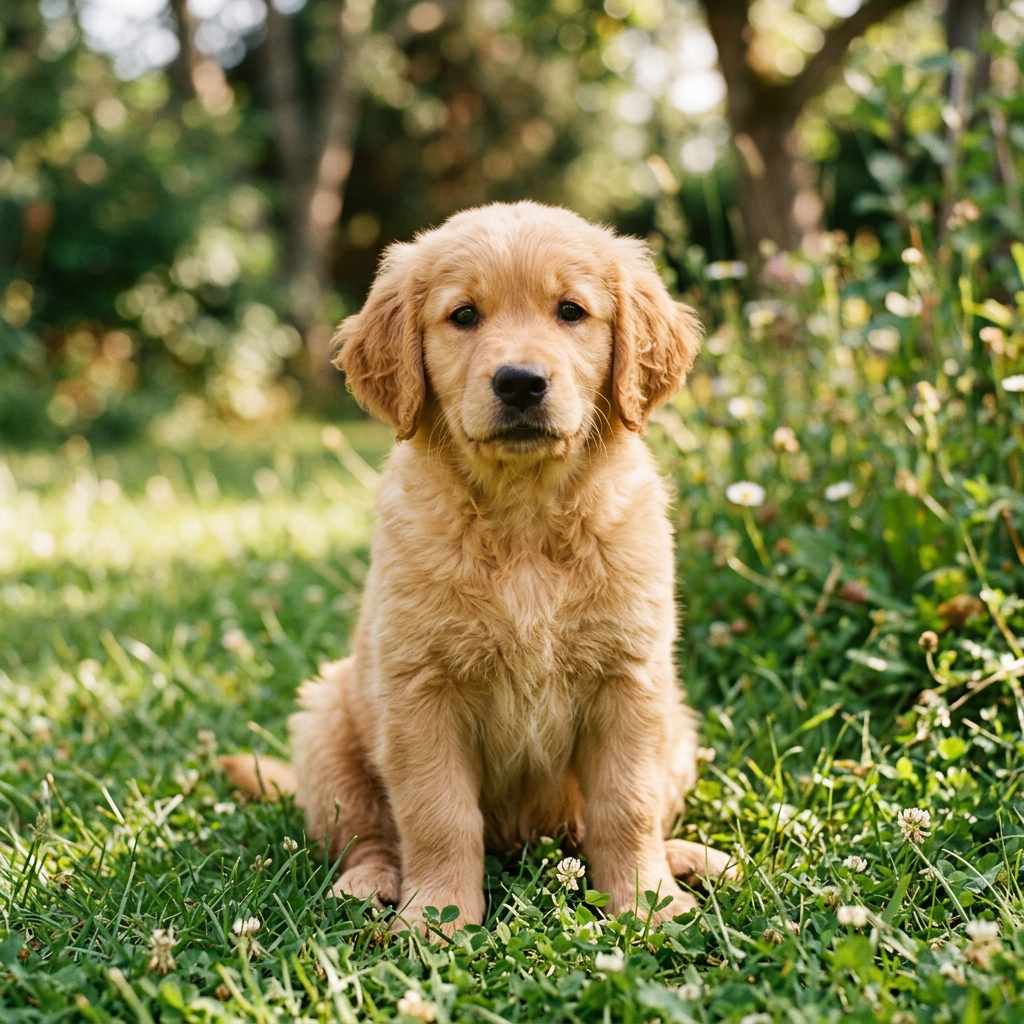
a golden retriever puppy
Seedream 4.5: strengths & limitations
An honest picture of what Seedream 4.5 does well, and where it doesn't. Use this to decide whether to pick Seedream 4.5 or one of FluxNote's 18 other image models for a given job.
Strengths
- ●Newest painterly model, best coherence on multi-element scenes.
- ●Richer surface texture (oil, watercolor, gouache) than older Dreamscape variants.
- ●Stronger prompt-adherence to specific artist-style references.
Limitations
- ●Newer model, community prompt library is still maturing.
- ●5 credits per render, slower than base Dreamscape.
3 ways creators use Seedream 4.5
Real-world workflows we see most often in the FluxNote dashboard.
Painter-style brand illustration
Scenario:DTC brand wants brand illustration in a recognizable painterly style across landing pages.
Walkthrough:Define the painterly style guide once, reference it in every prompt, ship consistently styled work across the site.
Long-form editorial accompaniment
Scenario:Substack writer wants original painterly illustrations for a 4-part essay series.
Walkthrough:Run 4 prompts in sequence, keep the same style descriptor, render at 16:9 for in-line embeds.
Concept-art revival
Scenario:You loved an old game's art direction and want fan-art in that painterly direction.
Walkthrough:Reference the title and art director by name, prompt, render, 4.5 handles named-style prompts well.
Prompt examples that work with Seedream 4.5
Copy-paste any of these prompts into the Seedream 4.5 model to get a result close to the example.
Multi-element
alchemist's workshop with 12 distinct potions, brass instruments, candlelit, painterly oil, hyper-detailedStyle-locked
Studio Ghibli-style village in the clouds, painterly watercolor, soft shadows, whimsicalEditorial
1920s Parisian café at night, painterly Toulouse-Lautrec influence, mustard yellow walls, smokeHow to get the best results from Seedream 4.5
Prompt strategies that consistently improve output quality, based on how Seedream 4.5 was trained and what it responds to.
Be specific about lighting
Instead of "product photo", try "product on white marble, soft diffused window light from the left, slight shadow on the right, 85mm lens perspective". Lighting direction and quality are the single biggest driver of Seedream 4.5's realism.
Name the camera or lens
"35mm film grain", "85mm portrait lens", "macro lens close-up", "wide-angle environmental shot", Seedream 4.5 was trained on a corpus that includes photography metadata. Camera/lens references activate a different distribution of outputs than generic prompts.
Describe what's NOT in the frame
Adding "no text, no watermark, no border, clean background" prevents Seedream 4.5 from adding visual clutter that wasn't requested. Negative constraints are especially useful for product photography and editorial portraits.
Use aspect ratio to guide composition
Seedream 4.5 adapts composition to the requested aspect ratio. For a 9:16 vertical, it naturally produces portrait-style framing. For 16:9, it composes for landscape. Choosing the right ratio before prompting, rather than cropping after, gives you better compositions and less wasted generation.
Iterate on the seed before changing the prompt
When Seedream 4.5 produces a near-miss result, try regenerating with a different seed before rewriting the prompt. 80% of the time, the issue is randomness, not prompt direction. Changing the seed with the same prompt often produces the version you were looking for.
Name the art medium explicitly
"Oil on canvas with visible brushstrokes", "watercolor on textured paper", "digital illustration, flat design", "risograph print with two colors", Seedream 4.5 treats medium as a primary instruction, not a modifier. Starting with the medium produces more consistently stylized output than ending with it.
Describe color temperature and saturation
"Muted desaturated palette", "vibrant saturated colors", "warm golden tones", "cool blue shadows with orange highlights", Seedream 4.5 responds to color mood language the same way it responds to lighting language. A palette note in every prompt significantly improves stylistic consistency across a set.
Seedream 4.5 vs other FluxNote models
Quick reference for picking the right model, every alternative below ships in the same FluxNote subscription.
vs Seedream 4
Seedream 4 is still the print-quality benchmark; 4.5 is more flexible per credit.
vs Gemini Flash 3.1
Gemini Flash 3.1 is faster and cheaper for ideation; 4.5 for the painterly hero.
How to generate with Seedream 4.5
Four steps from prompt to publish-ready output. Total time: under 22 seconds.
Open the image studio
Sign in to FluxNote (free, no card). Open AI Image Studio from the sidebar and pick Seedream 4.5 from the model selector. Your free plan starts with 100 credits/month so you can run real renders before paying anything.
Write your prompt
Describe the image in plain English. Seedream 4.5 responds best to specific details, subject, setting, lighting, lens, mood. It's tuned for concept art, editorial, illustration, but it handles general-purpose prompts too. If your prompt is short, FluxNote's built-in prompt assistant can expand it for you in one click.
Pick aspect ratio and style
Choose 1:1, 9:16, 16:9, 4:5, or 3:2 to match your destination, TikTok, Instagram, YouTube thumbnail, blog hero, print. Add an optional style preset (cinematic, anime, photoreal, painterly, etc.) to bias the output. Premium aspect ratios like 21:9 unlock on the Pro plan.
Generate, refine, animate
Hit generate. Seedream 4.5 typically renders in 12-22 seconds. Iterate on the prompt or seed to dial it in, then export full-resolution PNG with no watermark. Want it animated? Click the animate button to turn the still into a 5-10 second video clip in the same dashboard, no separate tool required.
Why creators pick FluxNote for Seedream 4.5
Seedream 4.5 is one of 19 image models on FluxNote. One subscription unlocks them all.
One subscription covers Seedream 4.5 plus 18 other AI image models, FLUX 2 Pro, FLUX PuLID, FLUX Kontext Edit, Seedream 3, Gemini Flash 2.5, FLUX Schnell, and more. No per-model paywalls and no separate logins for each provider.
100 free credits per month, no credit card required to start. Seedream 4.5 costs 5 credits per image, that's around 20 free renders on the free plan alone.
Zero watermark on every plan including free. Your Seedream 4.5 images export as clean full-resolution PNG, ready for paid social, print, or anywhere else.
Animate any Seedream 4.5 output into a 5-10 second video clip with one click. Useful for ads, story posts, reel openers, and YouTube thumbnails, the animation cost is metered separately and starts at 6 credits.
Built-in prompt assistant, batch generation, image-to-image variations, and a reusable prompt library. You don't need to memorize prompt syntax, paste a rough idea and FluxNote refines it.
Reusable seed and style controls, lock the visual direction once, regenerate variants without losing it. Seedream 4.5 respects seed control like the underlying API does.
Private by default. Outputs are visible only to your account unless you publish them to the showcase. We never sell or share your prompts and reference images.
Seedream 4.5 FAQ
The 10 questions creators ask most often before switching to Seedream 4.5.
Is Seedream 4.5 free on FluxNote?+
Yes, every FluxNote plan including the free tier (100 credits/month) can generate with Seedream 4.5. Each generation costs 5 credits, so the free tier covers around 20 renders per month with no credit card required.
What is Seedream 4.5 best for?+
Concept art, Editorial, Illustration. The newest painterly model, improved coherence, richer textures. If your project is specifically commercial-print or hero-creative work, you may want to pair it with one of FluxNote's premium models (FLUX 2 Max, Imagen 4 Fast, Seedream 4) for the final render.
Does Seedream 4.5 add a watermark?+
No. FluxNote does not watermark any output, on any plan, including free. Every Seedream 4.5 image exports as a clean full-resolution PNG that you can use commercially without attribution.
Can I use Seedream 4.5 commercially?+
Yes. FluxNote grants commercial usage rights on outputs from every model including Seedream 4.5. You can use the images in ads, products, books, and merchandise. As with any AI generation, double-check that the prompt and output don't reproduce protected likenesses or trademarks.
What input does Seedream 4.5 need?+
Text-to-image. Most prompts are 1-4 sentences describing subject, setting, lighting, and mood, FluxNote's prompt assistant can expand short prompts in one click.
Can I turn a Seedream 4.5 image into a video?+
Yes, every Seedream 4.5 output has a one-click animate button. FluxNote will generate a 5-10 second video clip from your still using one of the AI video models (Runway Gen-4, Kling, Sora 2 Pro, Veo 3, Seedance). Pick the model from the animate dropdown; cost starts at 6 credits per clip.
What resolutions can Seedream 4.5 export?+
Up to 2048×2048. Free plan exports the same resolution as paid plans, there is no quality gating. If you need print-grade resolution, run the result through Nucleus afterwards to upscale 2× or 4× without losing detail.
Is my data private?+
Yes. Reference photos and prompts are visible only to your account. We do not sell prompts, do not train on your inputs, and you can delete generated images at any time from your library. Identity-locked models (FLUX PuLID) embed reference photos privately and you can purge embeddings on request.
Seedream 4.5 vs other AI image models, when should I pick it?+
Use Seedream 4.5 when concept art, editorial, illustration matter most. Compared to Seedream 4, seedream 4 is still the print-quality benchmark; 4.5 is more flexible per credit. Compared to Gemini Flash 3.1, gemini flash 3.1 is faster and cheaper for ideation; 4.5 for the painterly hero. For an everyday default, most creators pick FLUX Schnell or Gemini Flash 2.5; for hero work, FLUX 2 Max or Seedream 4; for identity, FLUX PuLID; for targeted edits, FLUX Kontext Edit.
Do I need to install anything?+
No. FluxNote runs in any modern browser, Chrome, Firefox, Safari, Edge, on desktop and mobile. There is no install, no GPU requirement, and no waiting in line. Your library, prompts, and outputs sync across devices automatically.
More Artistic models
Same category, different strengths.
Other models on FluxNote


Create once. Publish everywhere.
Create videos, images, ads, voiceovers, music and social content in one editable workspace. Start with 100 bonus credits.
No credit card · No watermark · Start in seconds
From inspiration to your own creation
Put your next idea into action.
Videos, images and ads. One creative studio. Pick what you want to make—or try the walkthrough before you sign up.
Your ideas. Your videos. No camera required.
Turn your next story into a faceless video. Explore the workflow, then create your own in FluxNote.
- 01 Choose a style
- 02 Add your idea
- 03 Make it your own
Start with an account. Create at your own pace.
Loading walkthrough… Full-screen link below if needed.
Tool access and generation allowances depend on your plan.