Comparison
FluxNote vs Crayo.ai: Compare Your Creative Workflow
Choosing between FluxNote and Crayo? Explore FluxNote for images, videos, faceless storytelling and ad creation together, and compare the work remaining after a representative draft.
Last updated: September 19, 2026
| Feature | FluxNote | Crayo.ai |
|---|---|---|
| Creative workspace | Image, video, faceless and ad workflows | Clipping, image, voice and editing tools listed |
| Plan decision | Verify model and generation allowances | Verify workflow credits and export minutes |
| Evaluation | Try an original brief and review the draft | Test the specific workflow you need |
FluxNoteRecommended
Pros
- Images, video and faceless creation in one workspace
- Review narration, scenes and captions
- Explore ads and original creative alongside your channel content
Crayo.ai
Pros
- Clipping and subtitle workflows
- Voiceover and image tools
- Web-based editing
Cons
- Usage allowances require careful comparison
- Verify selected workflow and export limits before purchase
Start the comparison at the input
Crayo presents itself around clipping and editing on its official site. FluxNote offers creative studios for original images, videos, faceless projects and ads.
These descriptions are starting points, not proof that one product universally replaces the other. Put your normal input on the table: existing footage, a written explanation or product assets.
Establish which product accepts that input in the workflow you want. A feature elsewhere in an application may not be available inside the particular workflow being compared.
Use an acceptance matrix instead of a winner badge
Make a small table with five rows: input accepted, meaning preserved, visual changes possible, captions readable and export usable. Add a pass, fail or unanswered mark for each product.
Keep unanswered separate from fail; lack of verification is not evidence that a competitor lacks a capability. Give essential requirements more weight than cosmetic preferences.
If both tools meet them, compare the amount of human correction and the billing commitment. Record the actual project settings so another team member can reproduce the comparison.
Run a controlled creative exercise
Prepare a product launch explanation with one benefit, one evidence-backed demonstration and one next step. Keep the script, aspect ratio and target duration consistent between attempts.
Do not give one application a polished brief and the other a vague prompt. Review complete outputs with sound on and then muted.
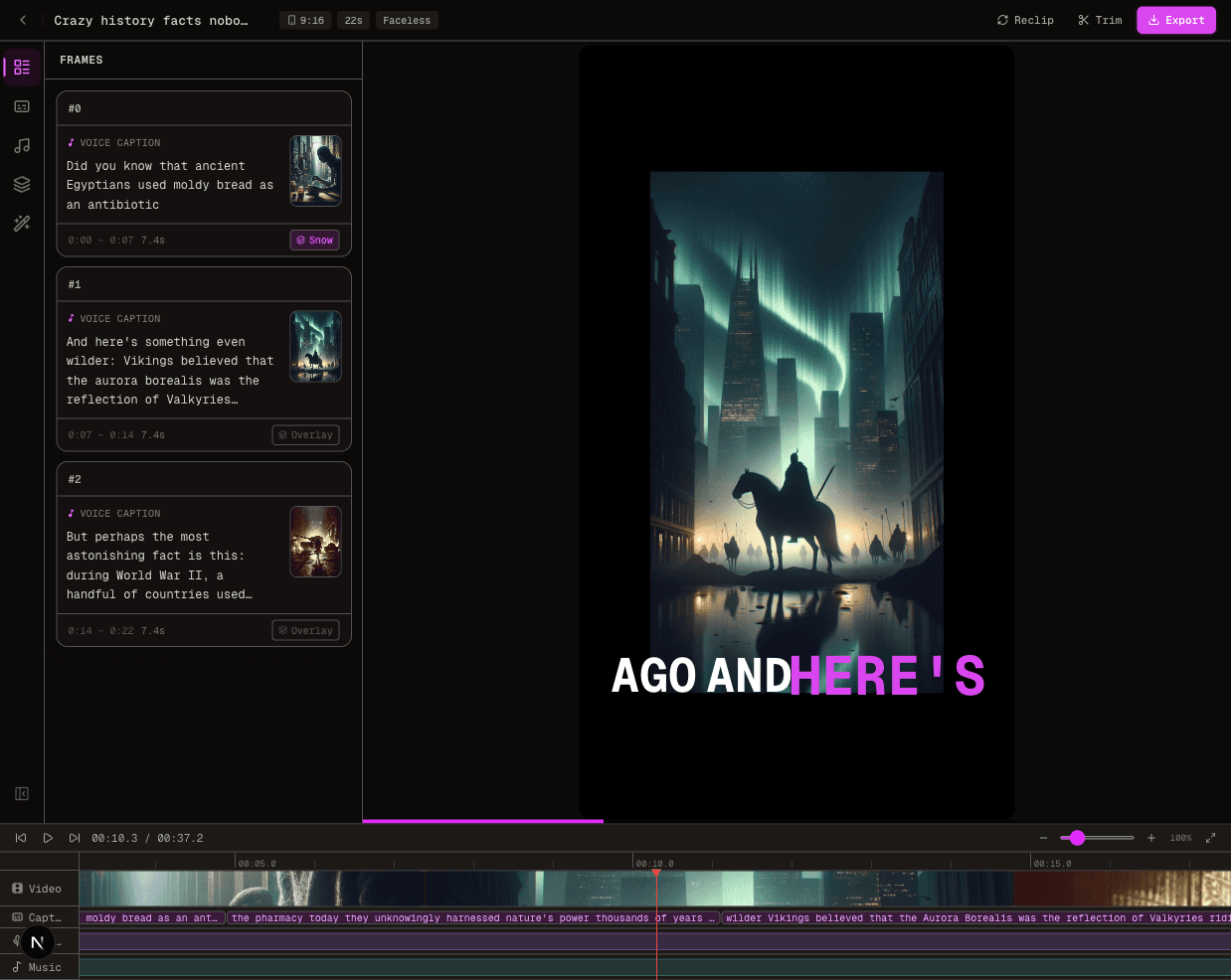
Count specific defects, such as an incorrect product label or a subtitle obscuring the demonstration. Treat elapsed generation time as an observation for that run, not a guarantee about either platform.
Separate subscription price from production cost
A low subscription total can hide revision work, while a large allowance can be irrelevant if you cannot obtain the needed output. Compare current terms on FluxNote pricing and Crayo pricing.
Keep storage, generation and exports as separate considerations. Do not convert credits into finished-video counts without observing your own usage.
Include the time spent preparing inputs and repairing mistakes. This produces a decision grounded in your production process rather than an unsupported savings percentage.
Decide how to resolve a split result
Suppose one trial gives you clearer narration while the other makes a required visual correction easier. Do not average those observations into a winner without considering your production.
For a narrated lesson, an uncorrectable pronunciation can be a release blocker. For a product demonstration, a wrong label can be equally serious even when the voice sounds excellent.
Mark those as required fixes rather than minor style scores.
Run a second brief only to resolve a specific uncertainty, such as whether a correction was an isolated failure or a repeatable workflow limitation. Keep the input and evaluation criteria stable.
If the second attempt needs a different paid feature, record that dependency rather than treating it as the original configuration. You can also decide to retain separate tools for separate jobs, provided the handoff is practical.
The comparison is complete when you can explain which workflow you will use, what remains manual and why that tradeoff fits the work you actually publish.
When to choose FluxNote
Choose FluxNote if your representative project fits its available controls and you value moving among image, video, faceless and ad creation.
Keep an existing Crayo workflow if it already satisfies your requirements and switching does not provide a demonstrated benefit.
This page is published by FluxNote, not an independent testing laboratory. Try the comparison brief in FluxNote, note the work still needed and make the purchase decision after reviewing that evidence.
The Verdict
Choosing between FluxNote and Crayo? Explore FluxNote for images, videos, faceless storytelling and ad creation together, and compare the work remaining after a representative draft.
Choose FluxNote when:
- You want several creative workflows in one workspace
- You want to develop original faceless stories or ad concepts
- Your test project fits the available controls and allowance
Choose Crayo.ai when:
- Its workflow already meets your verified requirements
- Your project test supports keeping your existing setup
Video · image · voice · music · publishing
Seen enough? Try FluxNote free
Compare the workflow yourself. Create a real project in FluxNote with 100 bonus credits—no credit card required.