Guide
Gpt image 2OpenaiChatgpt imagesAi image generationGPT Image 2 (OpenAI): Features
GPT Image 2, also called ChatGPT Images 2.0, is OpenAI's next-generation image model, released in April 2026. Its defining idea is reasoning: instead of painting immediately, the model researches, plans and self-checks before rendering a single pixel. That translates into near-perfect text, strong prompt adherence, and the ability to hold characters consistent across a whole set of images. Here is what it does and how it stacks up.
By the FluxNote Editorial Team · Last updated: July 24, 2026
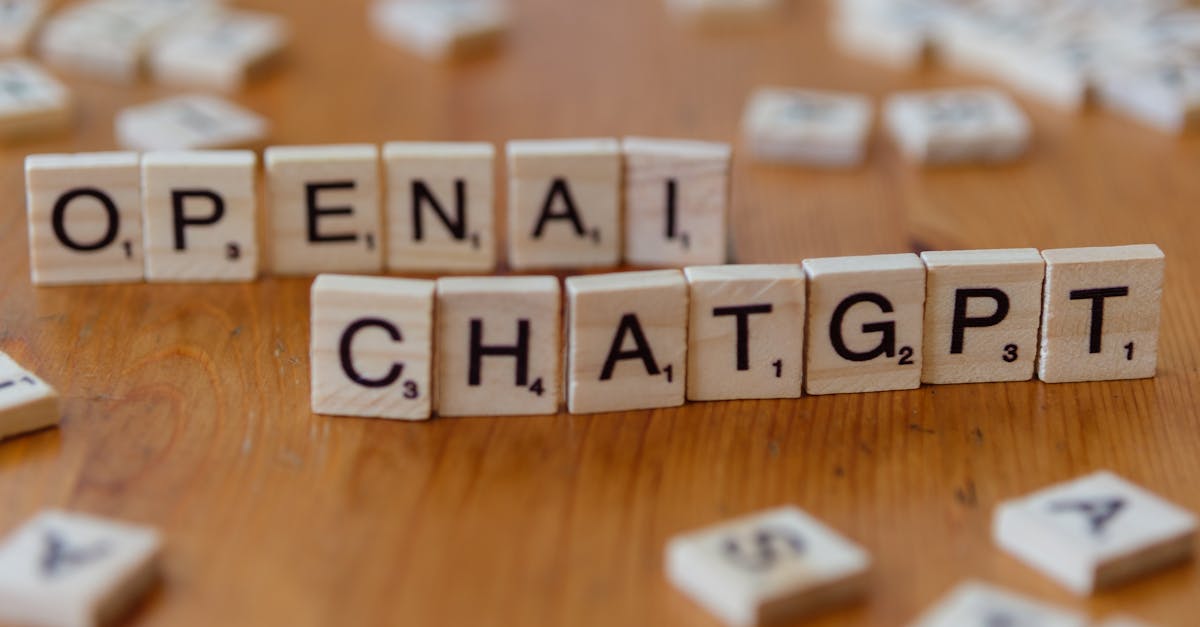
What is GPT Image 2?
GPT Image 2 is OpenAI's flagship image generation model, launched in April 2026 for ChatGPT users with API access following shortly after. It is the first image model to bring O-series reasoning to image generation: it plans and self-checks before rendering.
It is built on a new autoregressive architecture and, as of mid-2026, tops the arena.ai image leaderboard for both generation and editing. Here is the spec at a glance.
| Attribute | GPT Image 2 |
|---|---|
| Maker | OpenAI |
| Also called | ChatGPT Images 2.0 |
| Released | April 2026 |
| Resolution | Native 2K, 4K in beta |
| Text accuracy | Around 99% at character level |
| Consistency | Up to 8 coherent images per prompt |
| Aspect ratios | 3:1 (ultra-wide) to 1:3 (ultra-tall) |
What is new in GPT Image 2?
The big change is reasoning.
GPT Image 2 uses O-series reasoning to research, plan and self-check before it renders, which is why it holds prompts so tightly and gets text right.
It reports roughly 99% character-level text accuracy across Latin, CJK, Hindi and Bengali scripts.
It can generate up to eight coherent images from a single prompt while keeping characters and objects consistent across the whole set, supports aspect ratios from 3:1 to 1:3, and runs three to five times faster than its predecessor thanks to the new architecture.
Your topic → scenes, voiceover and captions
Turn what you learned into your next video.
Start with your own topic or script. Create a video with AI visuals, voiceover and captions, then refine the scenes in FluxNote.
What is GPT Image 2 good for?
Reach for GPT Image 2 when accuracy and consistency matter more than a signature art style: multi-panel sequences and storyboards where a character must stay the same, marketing sets that reuse a product, images with a lot of accurate on-image text, and anything you would previously have had to redraw repeatedly to get right.
Its planning step means fewer wasted generations.
For a strong distinctive aesthetic, Midjourney is still the specialist; for reliable, correct, repeatable output, GPT Image 2 leads.
How to use GPT Image 2
GPT Image 2 is available inside ChatGPT and through OpenAI's API for developers. If you would rather skip the API wiring and turn images into finished video, FluxNote's Image Studio generates images and feeds them into its video pipeline with voice and captions in one shared workflow.
Start free with FluxNote and turn your images or prompts into finished, captioned videos today.
Pro Tips
- Lean on GPT Image 2 for anything with on-image text, its near-99% character accuracy is the headline advantage.
- Ask for a full set (up to 8 images) in one prompt when you need consistent characters across panels, that is what its planning step is built for.
- Give it a clear, structured brief; because it reasons before rendering, precise prompts pay off more than with older models.
Create Videos With AI
Your topic → scenes, voiceover and captions
Turn what you learned into your next video.
Start with your own topic or script. Create a video with AI visuals, voiceover and captions, then refine the scenes in FluxNote.