Nucleus Image
Image upscale & refine
Take a low-res or messy generation, upscale and refine to clean print-ready output.

Cost per image
2 credits
Free renders
~50 on free plan
Watermark
None, even free
Animate to video
1-click, 5-10s
What is Nucleus Image?
Take a low-res or messy generation, upscale and refine to clean print-ready output.
Nucleus Image is an image-editing AI model: you provide an existing image and a plain-English instruction, and it modifies exactly what you describe while leaving the rest of the image intact. Unlike text-to-image models that generate from scratch, Nucleus Image understands spatial relationships, preserves colors and lighting that weren't mentioned in the instruction, and applies changes that look like they were always part of the original photo. Common use cases include swapping backgrounds, changing clothing colors, adding or removing objects, adjusting lighting conditions, and adapting seasonal versions of existing brand assets, all without touching Photoshop.
Nucleus Image accepts JPG, PNG, and WebP source images at up to Up to 4× input. Generation time is 8-14 seconds, faster than most text-to-image models because the model is modifying rather than generating from scratch. Edit instructions work best when they're specific about what to change and explicit about what to preserve: "change the background to a white studio backdrop, keep the product and lighting" reliably outperforms "clean up the background". For large structural changes, removing a person, adding a new object, multiple iterations work better than trying to describe the entire transformation in one prompt.
On FluxNote, Nucleus Image costs 2 credits per image. The free plan includes 100 credits per month, enough for 50 Nucleus Image renders with no credit card and no watermark. Paid Stripe plans start at $20 month to month, with lower monthly equivalents on quarterly and annual billing, and scale to 15,000 credits without changing how the model or the interface works. Nucleus Image sits alongside 18 other image models in the same dashboard; switching to a different model for a different job is a single click, no separate subscription required.
Every Nucleus Image output has a one-click animate button. FluxNote sends the still to one of its AI video models, Sora 2 Pro, Veo 3, Kling 3.0, Runway Gen-4, or Seedance 2.0, and returns a 5-10 second clip. This image-to-video workflow is particularly useful for ad creatives (static images animate well for story and feed placements), social content (a single Nucleus Image image can become a TikTok, Reel, and YouTube Short), and product showcases (slow camera moves around a product image that isn't technically a 3D model).
For most workflows, Nucleus Image works best as part of a multi-model pipeline: generate concepts fast with FLUX Schnell or Gemini Flash 2.5 at 1-4 credits per image, switch to Nucleus Image for the final render, then run the result through FLUX Kontext Edit for last-mile corrections, or Nucleus Image if you need a 2× or 4× upscale for print. All of these models are available under the same FluxNote subscription, there's no additional charge to access other models.
Spec sheet
Hard numbers, what Nucleus Image accepts and what it produces.
Resolution
Up to 4× input
Generation time
8-14 seconds
Aspect ratios
Match source
Inputs
Image-only
Real outputs from Nucleus Image
1 samples generated by FluxNote users. Hover any image to read the prompt.
Nucleus Image: strengths & limitations
An honest picture of what Nucleus Image does well, and where it doesn't. Use this to decide whether to pick Nucleus Image or one of FluxNote's 18 other image models for a given job.
Strengths
- ●Upscales 4× while improving (not just enlarging) detail.
- ●Cleans up artifacts from older or low-credit-tier generations.
- ●Inexpensive, 2 credits per upscale.
Limitations
- ●Not a generator, only refines an input image.
- ●Cannot recover detail that wasn't in the source (no magical content addition).
3 ways creators use Nucleus Image
Real-world workflows we see most often in the FluxNote dashboard.
Print-prep generated images
Scenario:You generated a hero on Spark at 1024px but need 4K for print.
Walkthrough:Pipe the Spark output through Nucleus, get a 4K-ready version for 2 credits.
Old artwork digitization
Scenario:You scanned an old painting and want a higher-resolution archive.
Walkthrough:Upload the scan, Nucleus refines and upscales, keep both versions.
Background tile preparation
Scenario:You need a generated texture to tile cleanly across a 4K hero section.
Walkthrough:Generate the tile small, upscale with Nucleus, then crop and tile in CSS.
Prompt examples that work with Nucleus Image
Copy-paste any of these prompts into the Nucleus Image model to get a result close to the example.
4× upscale
[1024×1024 source] upscale to 4096, sharpen detailCleanup
[noisy older generation] reduce artifacts, preserve compositionRestore
[scanned art] refine edges, recover texture, retain paletteHow to get the best results from Nucleus Image
Prompt strategies that consistently improve output quality, based on how Nucleus Image was trained and what it responds to.
Be specific about lighting
Instead of "product photo", try "product on white marble, soft diffused window light from the left, slight shadow on the right, 85mm lens perspective". Lighting direction and quality are the single biggest driver of Nucleus Image's realism.
Name the camera or lens
"35mm film grain", "85mm portrait lens", "macro lens close-up", "wide-angle environmental shot", Nucleus Image was trained on a corpus that includes photography metadata. Camera/lens references activate a different distribution of outputs than generic prompts.
Describe what's NOT in the frame
Adding "no text, no watermark, no border, clean background" prevents Nucleus Image from adding visual clutter that wasn't requested. Negative constraints are especially useful for product photography and editorial portraits.
Use aspect ratio to guide composition
Nucleus Image adapts composition to the requested aspect ratio. For a 9:16 vertical, it naturally produces portrait-style framing. For 16:9, it composes for landscape. Choosing the right ratio before prompting, rather than cropping after, gives you better compositions and less wasted generation.
Iterate on the seed before changing the prompt
When Nucleus Image produces a near-miss result, try regenerating with a different seed before rewriting the prompt. 80% of the time, the issue is randomness, not prompt direction. Changing the seed with the same prompt often produces the version you were looking for.
Specify what to preserve explicitly
"Change the jacket to red, keep the face, hair, and background exactly as-is", Nucleus Image needs to know what not to touch. Edits that don't specify what to preserve sometimes propagate changes further than intended. Explicit preservation constraints produce cleaner, more surgical results.
Use incremental edits for large changes
For transformative changes (swapping a background, adding a new object), break the edit into steps rather than asking for everything in one prompt. Edit the background first, then add the new element, then adjust lighting to match. Nucleus Image handles incremental edits more reliably than single large transformations.
Nucleus Image vs other FluxNote models
Quick reference for picking the right model, every alternative below ships in the same FluxNote subscription.
vs FLUX Kontext Edit
FLUX Kontext Edit edits; Nucleus Image enlarges and sharpens.
How to generate with Nucleus Image
Four steps from prompt to publish-ready output. Total time: under 14 seconds.
Upload your source image
Sign in to FluxNote (free, no card) and upload the image you want to edit. Nucleus Image works on JPG, PNG, and WebP, no special format needed and no upper file-size limit beyond the typical 25 MB. Your source is private to your account.
Write your prompt
Describe the image in plain English. Nucleus Image responds best to specific details, subject, setting, lighting, lens, mood. It's tuned for upscale, refine, print, but it handles general-purpose prompts too. If your prompt is short, FluxNote's built-in prompt assistant can expand it for you in one click.
Pick aspect ratio and style
Choose 1:1, 9:16, 16:9, 4:5, or 3:2 to match your destination, TikTok, Instagram, YouTube thumbnail, blog hero, print. Add an optional style preset (cinematic, anime, photoreal, painterly, etc.) to bias the output. Premium aspect ratios like 21:9 unlock on the Pro plan.
Generate, refine, animate
Hit generate. Nucleus Image typically renders in 8-14 seconds. Iterate on the prompt or seed to dial it in, then export full-resolution PNG with no watermark. Want it animated? Click the animate button to turn the still into a 5-10 second video clip in the same dashboard, no separate tool required.
Why creators pick FluxNote for Nucleus Image
Nucleus Image is one of 19 image models on FluxNote. One subscription unlocks them all.
One subscription covers Nucleus Image plus 18 other AI image models, FLUX 2 Pro, FLUX PuLID, FLUX Kontext Edit, Seedream 3, Gemini Flash 2.5, FLUX Schnell, and more. No per-model paywalls and no separate logins for each provider.
100 free credits per month, no credit card required to start. Nucleus Image costs 2 credits per image, that's around 50 free renders on the free plan alone.
Zero watermark on every plan including free. Your Nucleus Image images export as clean full-resolution PNG, ready for paid social, print, or anywhere else.
Animate any Nucleus Image output into a 5-10 second video clip with one click. Useful for ads, story posts, reel openers, and YouTube thumbnails, the animation cost is metered separately and starts at 6 credits.
Built-in prompt assistant, batch generation, image-to-image variations, and a reusable prompt library. You don't need to memorize prompt syntax, paste a rough idea and FluxNote refines it.
Reusable seed and style controls, lock the visual direction once, regenerate variants without losing it. Nucleus Image respects seed control like the underlying API does.
Private by default. Outputs are visible only to your account unless you publish them to the showcase. We never sell or share your prompts and reference images.
Nucleus Image FAQ
The 10 questions creators ask most often before switching to Nucleus Image.
Is Nucleus Image free on FluxNote?+
Yes, every FluxNote plan including the free tier (100 credits/month) can generate with Nucleus Image. Each generation costs 2 credits, so the free tier covers around 50 renders per month with no credit card required.
What is Nucleus Image best for?+
Upscale, Refine, Print. Take a low-res or messy generation, upscale and refine to clean print-ready output. If your project is specifically commercial-print or hero-creative work, you may want to pair it with one of FluxNote's premium models (FLUX 2 Max, Imagen 4 Fast, Seedream 4) for the final render.
Does Nucleus Image add a watermark?+
No. FluxNote does not watermark any output, on any plan, including free. Every Nucleus Image image exports as a clean full-resolution PNG that you can use commercially without attribution.
Can I use Nucleus Image commercially?+
Yes. FluxNote grants commercial usage rights on outputs from every model including Nucleus Image. You can use the images in ads, products, books, and merchandise. As with any AI generation, double-check that the prompt and output don't reproduce protected likenesses or trademarks.
What input does Nucleus Image need?+
Image-only. Edit models need an existing image to operate on, plus a text instruction describing the change.
Can I turn a Nucleus Image image into a video?+
Yes, every Nucleus Image output has a one-click animate button. FluxNote will generate a 5-10 second video clip from your still using one of the AI video models (Runway Gen-4, Kling, Sora 2 Pro, Veo 3, Seedance). Pick the model from the animate dropdown; cost starts at 6 credits per clip.
What resolutions can Nucleus Image export?+
Up to 4× input. Free plan exports the same resolution as paid plans, there is no quality gating. If you need print-grade resolution, run the result through Nucleus afterwards to upscale 2× or 4× without losing detail.
Is my data private?+
Yes. Reference photos and prompts are visible only to your account. We do not sell prompts, do not train on your inputs, and you can delete generated images at any time from your library. Identity-locked models (FLUX PuLID) embed reference photos privately and you can purge embeddings on request.
Nucleus Image vs other AI image models, when should I pick it?+
Use Nucleus Image when upscale, refine, print matter most. Compared to FLUX Kontext Edit, flux kontext edit edits; nucleus image enlarges and sharpens. For an everyday default, most creators pick FLUX Schnell or Gemini Flash 2.5; for hero work, FLUX 2 Max or Seedream 4; for identity, FLUX PuLID; for targeted edits, FLUX Kontext Edit.
Do I need to install anything?+
No. FluxNote runs in any modern browser, Chrome, Firefox, Safari, Edge, on desktop and mobile. There is no install, no GPU requirement, and no waiting in line. Your library, prompts, and outputs sync across devices automatically.
More Edit & Refine models
Same category, different strengths.
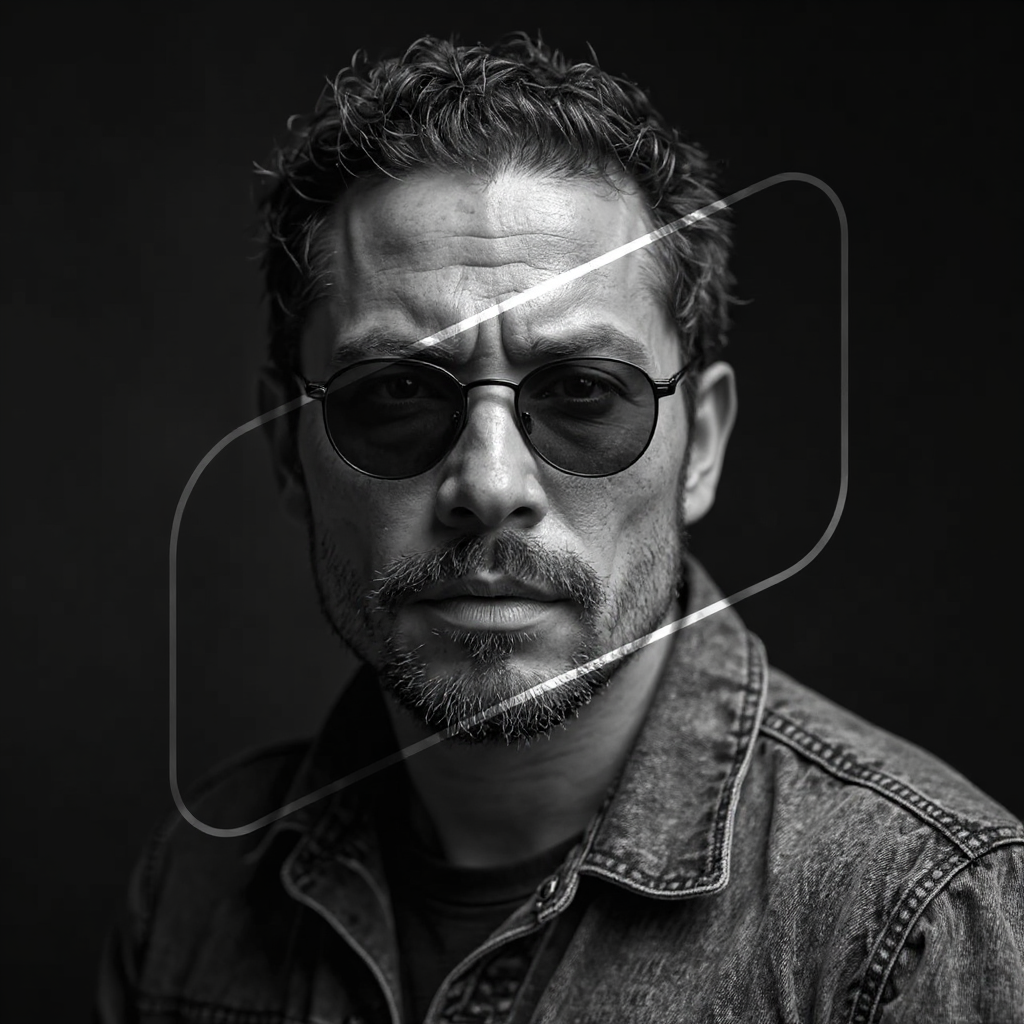
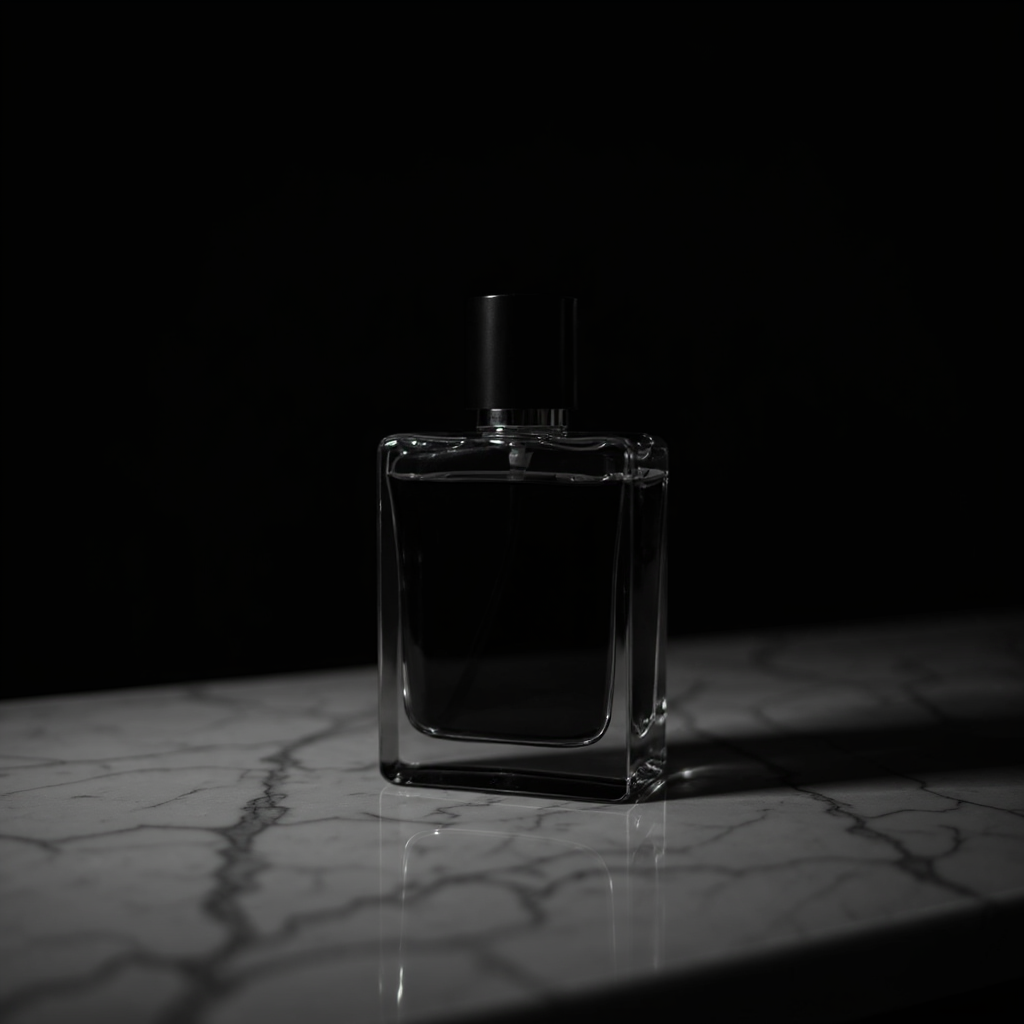
Other models on FluxNote
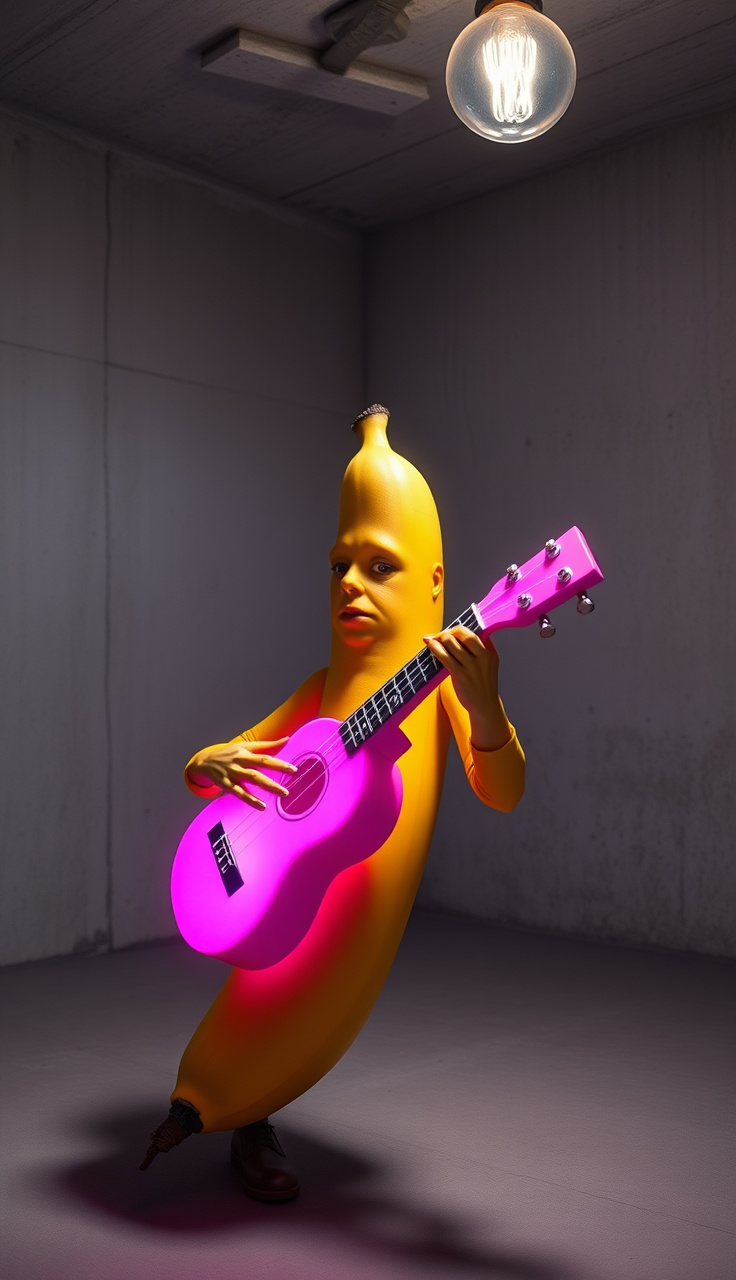
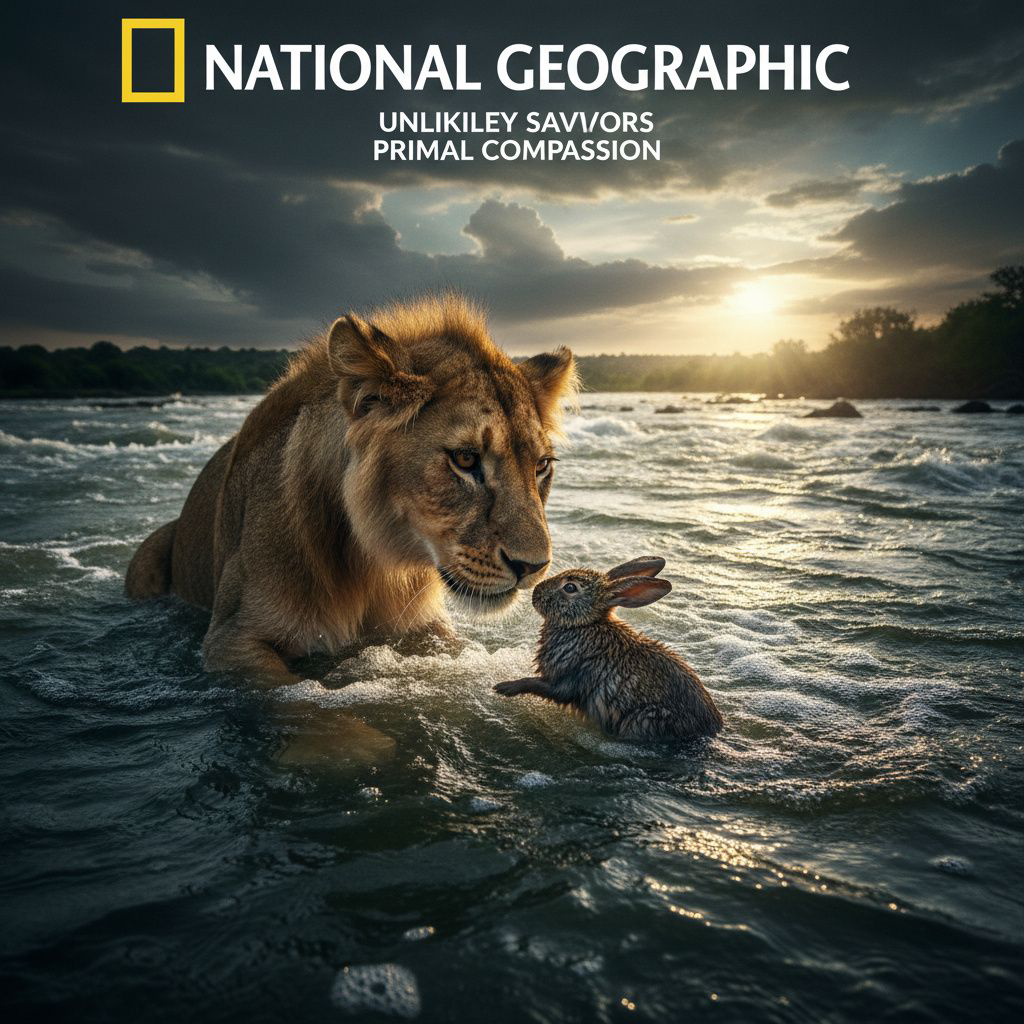
Create once. Publish everywhere.
Create videos, images, ads, voiceovers, music and social content in one editable workspace. Start with 100 bonus credits.
No credit card · No watermark · Start in seconds
From inspiration to your own creation
Put your next idea into action.
Videos, images and ads. One creative studio. Pick what you want to make—or try the walkthrough before you sign up.
Your ideas. Your videos. No camera required.
Turn your next story into a faceless video. Explore the workflow, then create your own in FluxNote.
- 01 Choose a style
- 02 Add your idea
- 03 Make it your own
Start with an account. Create at your own pace.
Loading walkthrough… Full-screen link below if needed.
Tool access and generation allowances depend on your plan.