Guide
Capcut free vs proCapcut ai featuresCapcut pro featuresCapcut ai limitsCapCut Free vs Pro 2026: AI Features & Credit Limits
CapCut Free covers core timeline editing, basic templates and limited AI tools. Standard adds a broader asset and editing library, while Pro unlocks CapCut's advanced AI suite, premium media and up to 1TB of cloud storage. Pro's published US web price is $19.99 monthly or $179.99 yearly, but local prices and AI quotas can vary.
By the FluxNote Editorial Team · Last updated: August 26, 2026

CapCut Free vs Pro: Quick Comparison
| Feature | Free | Standard | Pro |
|---|---|---|---|
| Core timeline editor | Yes | Yes | Yes |
| Templates, effects and stock | Limited selection | Expanded paid selection | Full premium selection |
| Auto captions and basic AI | Available with limits | Broader access | Highest access and advanced tools |
| Advanced generative AI | Limited or unavailable by tool | Partial | Included subject to credits and rollout |
| Cloud storage | Limited | Around 100GB | Up to 1TB |
| Advanced export formats | Basic workflow | Expanded workflow | 4K/HDR where device and feature support it |
| Best for | Occasional editing | Regular manual editing | Heavy editing and AI-assisted production |
The exact feature label can change by app version and country. CapCut marks paid tools with Pro or credit indicators inside the editor; that in-product label is the final answer for your account.
Which CapCut AI Features Are Free?
The free tier commonly includes or previews tools such as automatic captions, background-removal basics, filters, templates and simple AI-assisted editing. Availability is not the same as unlimited use: a tool may have a small free quota, lower-quality export, fewer styles or a Pro requirement after the first attempts.
Free is enough to answer one practical question: does CapCut's editing model fit you? Build a complete test video, add captions, replace a background, use one template and export it. The export screen will expose any premium asset or feature before you commit.
What Advanced AI Features Does CapCut Pro Add?
CapCut's official Pro comparison groups its higher-tier features around advanced editing and generation. Depending on platform and rollout, that can include camera tracking, auto reframing, background removal, vocal isolation, speaker-aware captions, voice effects, text-to-video, avatars and voice cloning.
Do not assume every AI action is unlimited because Pro is active. CapCut can meter generation through credits or points, and third-party or newly released models may cost more. For a production budget, record the credit charge for the exact tool, duration and quality you plan to use.
CapCut Standard vs Pro
Standard is the middle option for creators who want more assets and fewer paywalls but do not need the full advanced AI suite. CapCut's comparison describes roughly 100GB of cloud storage on Standard versus up to 1TB on Pro, alongside broader premium access on the higher tier.
Choose Standard for regular manual editing, templates and effects. Choose Pro when advanced AI, larger storage, cross-device work or higher-end export is central to your workflow. Because Standard pricing is not identical in every market, compare the live upgrade screen rather than relying on an old global price table.
CapCut Pro Price and the Yearly Discount
CapCut Pro's published US web reference price is $19.99 per month or $179.99 per year. The annual option averages to about $15 per month and saves $59.89 over 12 monthly payments.
That calculation does not include sales tax, VAT, app-store pricing or temporary discounts. If you only need Pro for a campaign or a few projects, monthly billing may be cheaper in total despite the higher monthly rate. For the complete calculation and regional caveats, see our CapCut pricing guide.
When CapCut Pro Is Not the Right Upgrade
Pro may not solve the right problem if you are still starting every project with a blank timeline. CapCut improves the editor and asset library, but you may still need to write the script, produce narration, source every visual and build the scene structure.
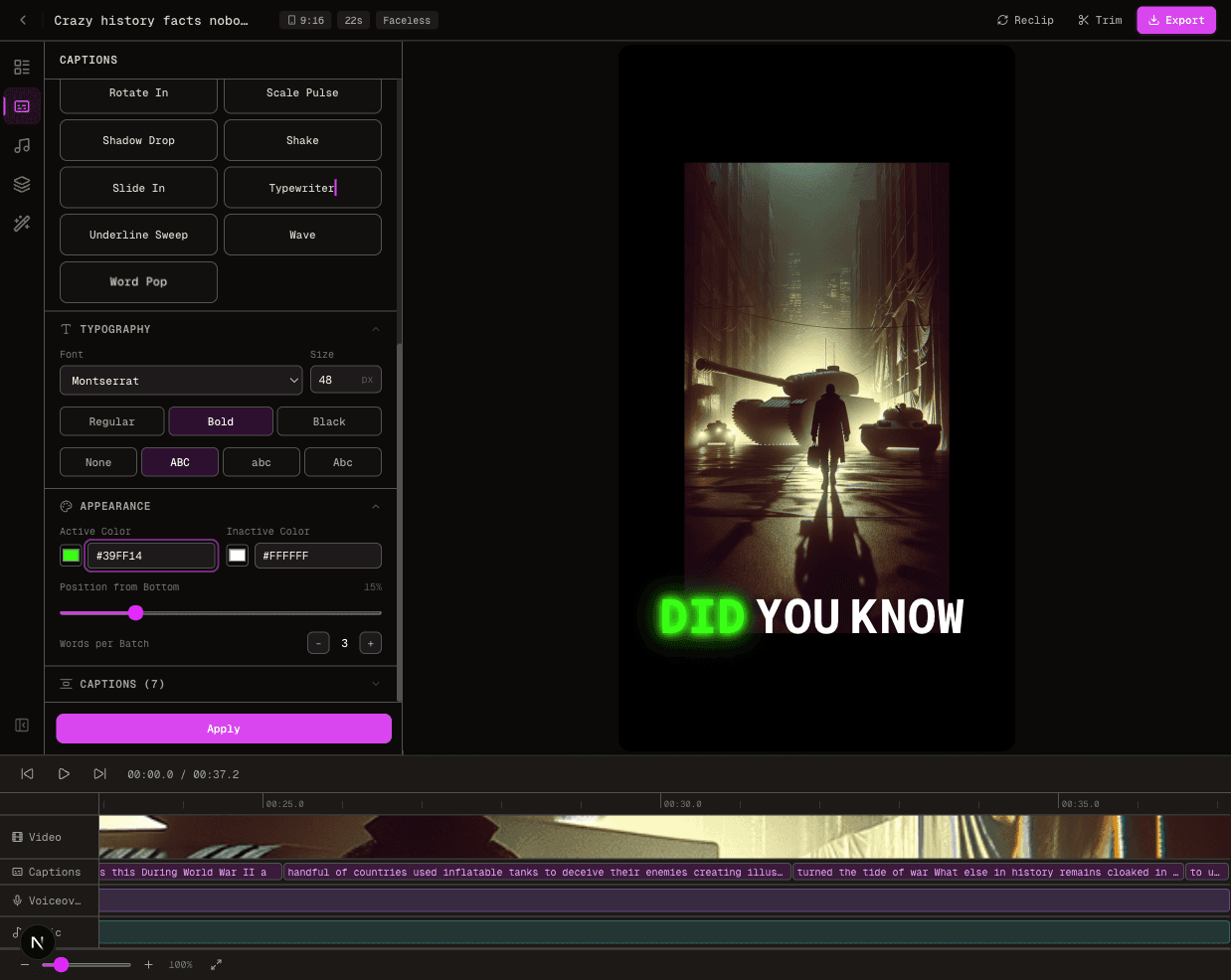
For prompt-to-finished-video production, compare FluxNote's AI video generator, animated caption tool and AI voiceover generator.
FluxNote creates the first full draft, then keeps the result editable.
CapCut remains a better fit when detailed manual cutting and its template ecosystem are the main requirement.
Best Plan by Creator Type
Beginner or occasional editor
Start with Free and export a real project before paying.
Daily social creator
Compare Standard and Pro based on how often you hit premium assets or AI limits, not the plan name.
YouTube or client editor
Pro is easier to justify when 4K/HDR, storage and cross-device projects are recurring requirements.
AI-first faceless creator
Compare a finished-video generator with CapCut's editor-first workflow. The fastest stack may use one tool for generation and CapCut only for final polish.
Team or agency
Review CapCut Teams for workspace controls, then calculate the per-seat total and approval requirements.
Sources and Update Policy
This comparison was checked against CapCut's official Standard vs Pro resource, plan comparison help page, Pro cost article and billing guide.
CapCut changes quotas and availability by platform and region, so we separate published reference prices from account-specific limits.
Create Videos With AI
From inspiration to your own creation
Put your next idea into action.
Videos, images and ads. One creative studio. Pick what you want to make—or try the walkthrough before you sign up.
Your ideas. Your videos. No camera required.
Turn your next story into a faceless video. Explore the workflow, then create your own in FluxNote.
- 01 Choose a style
- 02 Add your idea
- 03 Make it your own
Start with an account. Create at your own pace.
Loading walkthrough… Full-screen link below if needed.
Tool access and generation allowances depend on your plan.
Frequently Asked Questions
Related Resources
- GuideCapCut AI Video Generator Review (2026): Is It Worth It?
- GuideCheaper Alternative to Tavus: 5 Options Under $60 in 2026
- GuideCapCut Pricing: Pro Price, Monthly & Yearly Cost
- GuideInVideo AI Pricing: Plans, Credits & True Cost
- GuideDescript Pricing 2026: Hobbyist $24
- GuideBest AI B-Roll Generator 2026: Tools & Workflows Tested
- GuideFree AI Voiceover for Videos No Watermark (5 Tested 2026)
- ToolText to Video AI: Turn Text Into Videos [Fast]